How to Choose a WOLED Monitor in 2026: Tandem Tech & Subpixel Guide
Understanding panel technology, brightness, and subpixel layouts for gaming and work
So you’ve decided to buy an OLED monitor to upgrade your gaming experience, but quickly learn that major brands implement OLED technology in very different ways. One of the most popular options on the market is WOLED (White OLED). Traditional WOLED panels feature red, green, and blue subpixels, plus an additional white subpixel to form each pixel and render images.
Newer generations bring meaningful upgrades to brightness, power efficiency, and subpixel arrangement. Here’s what you need to know before you pick one:
What is fourth-generation WOLED?
Tandem WOLED refers to the latest WOLED panel architecture developed by LG Display. These panels feature LG Display’s fourth-generation Primary RGB Tandem stack, delivering gains in peak brightness, color fidelity, and energy efficiency. While LG Display manufactures the panels, they are sold under many different monitor brand names.
How RGB Tandem works
The Primary RGB Tandem stack is the light-emitting core of the display. Earlier WOLED generations relied on three stacked emissive layers to produce white light, using a blue-yellow-green-blue (BYB) structure. Blue appears twice as intentional redundancy, because blue OLED material is less efficient and degrades faster than red and green emitters.
Primary RGB Tandem adds a fourth emissive layer, adopting a red‑blue‑green‑blue (RBGB) stack. Separating the previous yellow layer into independent red and green layers, it produces purer colors and improves overall light output.
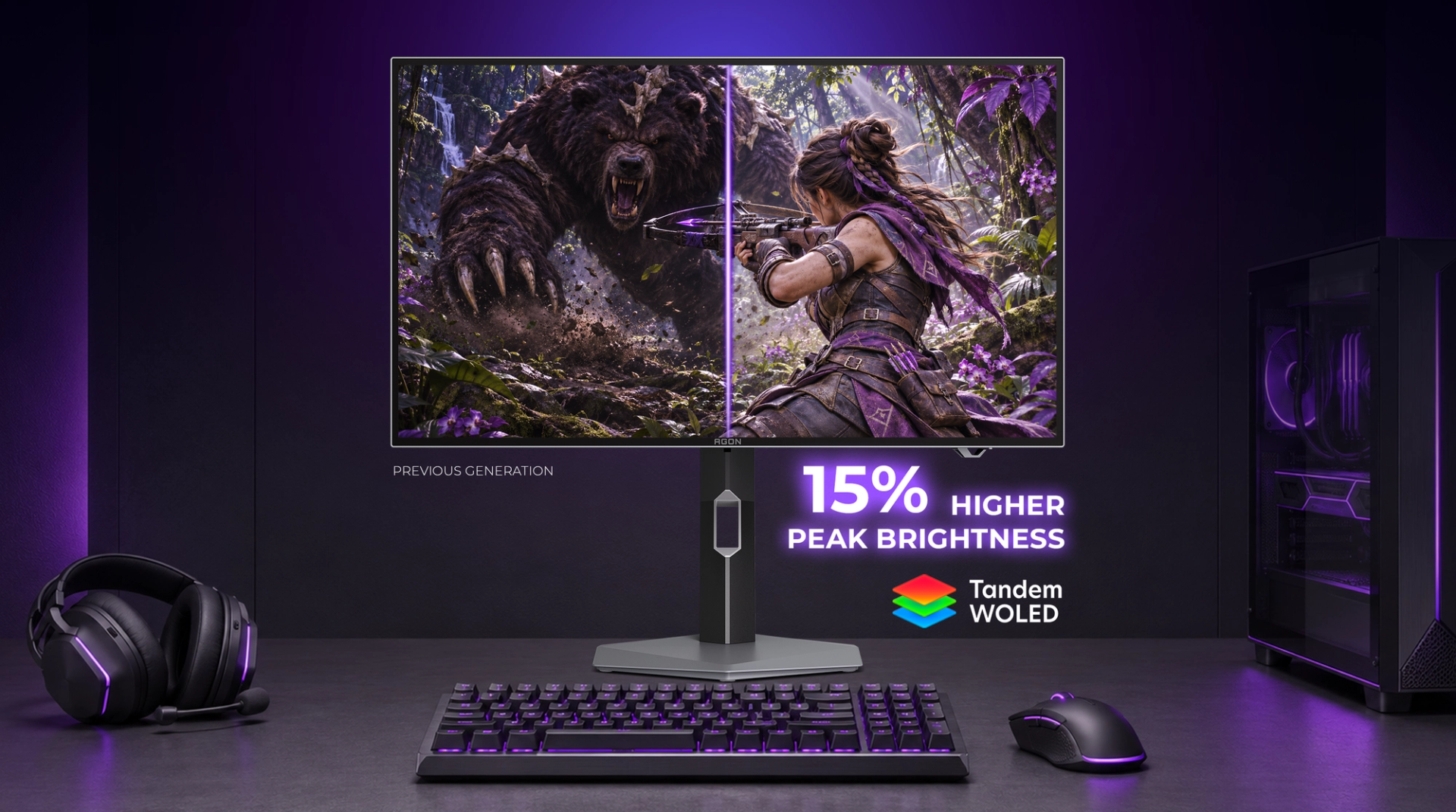
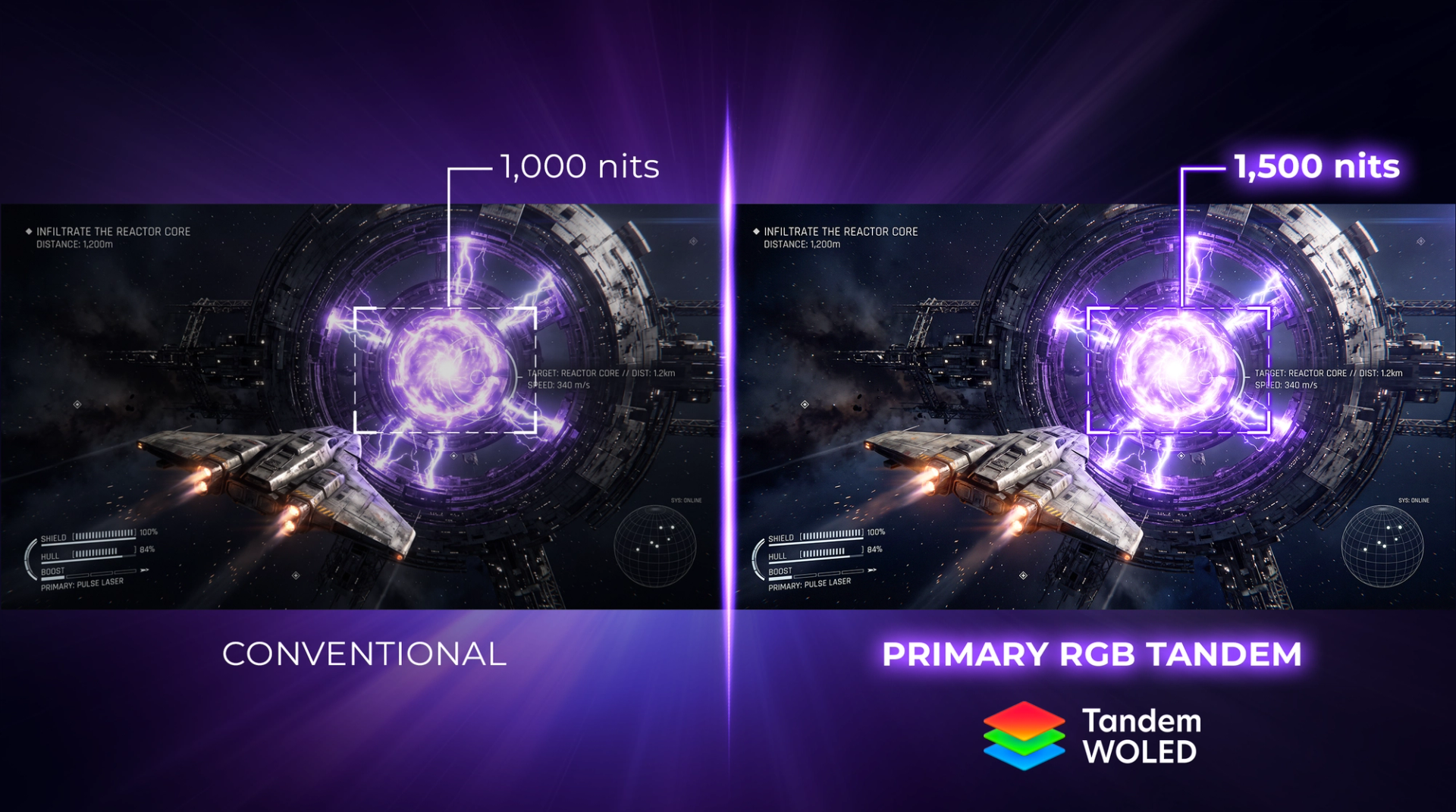
According to LG Display, this revised stack delivers up to 15% higher peak brightness compared with the previous generation, compatible gaming panels can hit up to 1,500 nits under specified test conditions. It also improves power efficiency by spreading the load across four emissive layers instead of three. This refined architecture reduces stress on individual OLED layers, boosting long-term durability and improving resistance to burn-in.
Why WOLED performs better in bright rooms
OLED screens can lose some of their impact in bright surroundings: ambient light reflects off the panel surface, washing out dark tones and making blacks appear grey or purplish. Fortunately, polarizing filters and anti-reflection coatings help to correct this problem by reducing much of that reflected light, which keep deep blacks and accurate colors in brighter rooms.
RGBW vs native RGB Stripe
WOLED monitors are made of millions of pixels, each containing tiny light-emitting elements called subpixels. Subpixels can be arranged in different patterns, known as subpixel layouts, each with distinct tradeoffs.
Traditional WOLED panels use an RGBW layout: each pixel carries red, green, blue, and white subpixels. The white subpixel boosts brightness, which benefits gamers with more vivid HDR highlights, such as neon signage, explosions, and bright sunlight. The downside is text rendering can be softer. Windows ClearType is built assuming a standard RGB stripe arrangement, so the extra white subpixel in RGBW can create subtle color fringing or fuzzy letter edges.
A newer alternative is native RGB Stripe, which uses three vertical red, green, and blue subpixels with no dedicated white subpixel. This layout matches the standard RGB stripe pattern ClearType expects, delivering crisp text. The tradeoff is peak brightness is typically lower than RGBW WOLED panels, affecting top-end HDR highlights.
Gaming, work, and creator use cases
When deciding between RGBW and a native RGB stripe, consider how you'll use your desktop most of the time. If you play lots of cinematic AAA games with advanced HDR rendering, RGBW may be the better fit, as you will clearly notice the HDR brightness advantage.
- For competitive and esports gaming, both RGBW and RGB Stripe can deliver very fast response times. Refresh rate and input lag will usually matter more here.
- If you mainly use your display for office work or programming, consider an RGB Stripe panel. Its standard subpixel layout delivers sharper text, and its lower peak brightness is often gentler on the eyes during long sessions.
- For mixed-use setups: RGBW makes sense if gaming is your primary focus, while native RGB Stripe is more balanced for general productivity.
What to check before buying
The fine print matters! Review the spec sheet carefully before purchasing to avoid buyer’s remorse.
- Panel layout: Is the subpixel layout RGBW or RGB Stripe? Your choice depends on whether gaming or productivity is your main use case.
- Anti-reflection features: Where will you use this monitor most? If it sits in a sunny room or bright office, prioritize models with a polarizer and advanced anti-reflection coating.
- Text clarity: If you'll use your monitor heavily at work, pick an RGB Stripe layout to reduce text fringing and eye strain.
- HDR performance: Check the rated peak brightness (nits) and VESA DisplayHDR True Black certification if you mainly buy the monitor for gaming.
- Burn-in protection: Features like automatic pixel refresh and screen dimming can help lower burn-in risk and extend panel life. Confirm whether the manufacturer warranty covers burn-in.
FAQ
What is a WOLED monitor?
A WOLED monitor uses a white‑emitting OLED panel designed by LG Display. Light is generated by the OLED stack and filtered through RGB color filters to produce color; RGBW variants add an unfiltered white subpixel to raise peak brightness.
What is the difference between RGBW and native RGB Stripe?
RGBW is a subpixel layout with an extra white subpixel to boost brightness and enhance HDR highlights. Native RGB Stripe uses only red, green, and blue subpixels, with no dedicated white subpixel. It delivers sharper text, at the expense of slightly lower peak brightness, depending on the panel's design.
Can you use a WOLED monitor for work?
Yes, especially models with native RGB Stripe, which display text much cleaner. Features like pixel refresh and utilizing dark mode can also help to reduce the risk of burn-in.
Is WOLED good for gaming?
Yes. RGBW WOLED excels at gaming thanks to fast pixel response, high refresh rates, infinite contrast, and stronger HDR highlights.
Can WOLED monitors get burn-in?
Yes. Like all OLED displays, WOLED panels can suffer burn-in when static UI elements stay on screen for long periods. LG Display's Primary RGB Tandem technology is designed to improve both efficiency and long-term durability, but it does not eliminate the risk. Features like pixel refresh, screen dimming, and using dark mode can help reduce the risk of burn-in.