How to choose a QD-OLED monitor in 2026
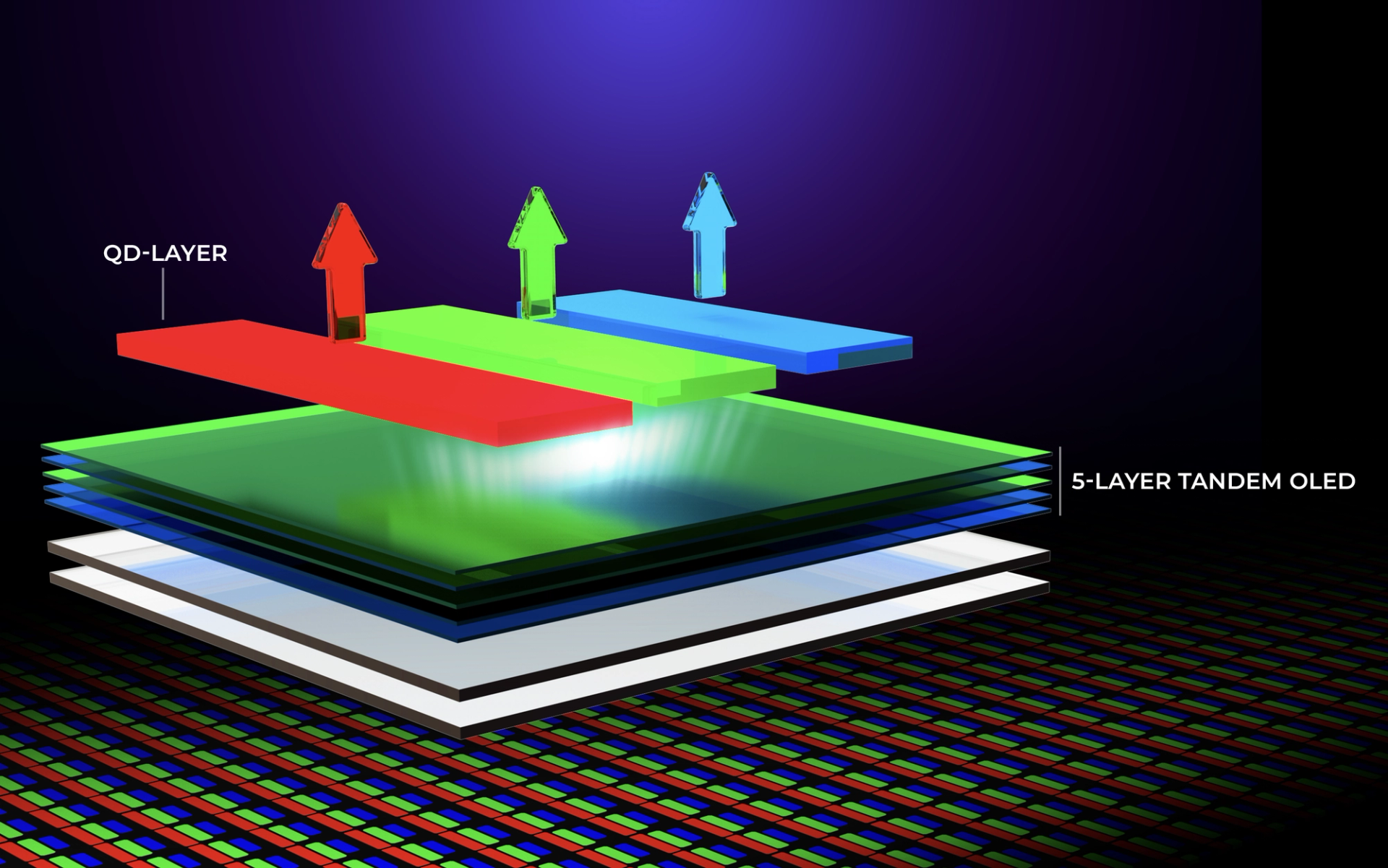
If you’re looking for a new gaming monitor, you’ll find several choices, from QD-OLED and WOLED to Mini‑LED. The big news in 2026 is the release of fifth‑generation QD-OLED displays.
What’s changed in fifth‑gen QD-OLED?
Fifth‑gen QD-OLED panels are engineered to improve text clarity, ambient-light performance, surface durability, and support higher refresh-rate implementations. Samsung Display commercialized these panels in early 2026 under the name QD-OLED Penta Tandem™. Samsung does not use strict generation-number branding internally, but many monitor manufacturers categorize 2026 panels as fifth‑gen to track the technology’s roadmap.
Fifth‑gen QD-OLED builds on the brightness, contrast, and durability of earlier QD-OLED technology. Higher brightness helps these displays hold up better in daylight. They also perform better for professional computing and show less color fringing, mainly because some panels revert to the traditional vertical RGB stripe subpixel layout. Many core improvements come from the new Penta Tandem™ emission stack. Panel coating hardness has also increased from 2H to 3H, delivering better scratch resistance.
QD-OLED monitors target gamers and creative professionals who need high-end image quality, vibrant colors, and deep black levels. They offer near-instant response times — as low as 0.03 ms GtG — and support very high refresh rates.
What does Penta Tandem™ actually mean?
Penta Tandem™ is the name for the emission stack in fifth‑gen QD-OLED displays: the stacked organic layers that generate light. Its five‑layer tandem organic emission stack is designed to boost panel efficiency, brightness, and service life compared with the prior four‑layer tandem design. These layers emit blue light onto quantum dots. The quantum dots convert that blue light into red and green light; the blue subpixel retains the native blue emission, forming the standard RGB color system.
With the extra emission layer, fifth‑gen panels deliver up to 1.3 times the luminous efficiency of previous generations. They can reach up to 300 nits typical brightness for SDR content and up to 1,300 nits peak HDR brightness (measured at 3% on‑pixel ratio, OPR).
Does QD-OLED still have a purple‑tint problem?
One attraction of OLED displays is the promise of perfect blacks. Since OLED pixels can turn fully off and reach near 0 nits, they can deliver exceptional contrast.
Bright ambient light, such as daylight entering a room, can cause a purple tint on a QD-OLED monitor. Past generations often required light‑controlled spaces to mitigate this effect. Fifth‑gen displays use specialized anti‑reflective treatments, such as AGON’s DarkShield, to reduce the purple appearance and improve perceived black levels by up to 40% under ambient lighting. Positioning the monitor away from bright windows also helps minimize the purple tint.
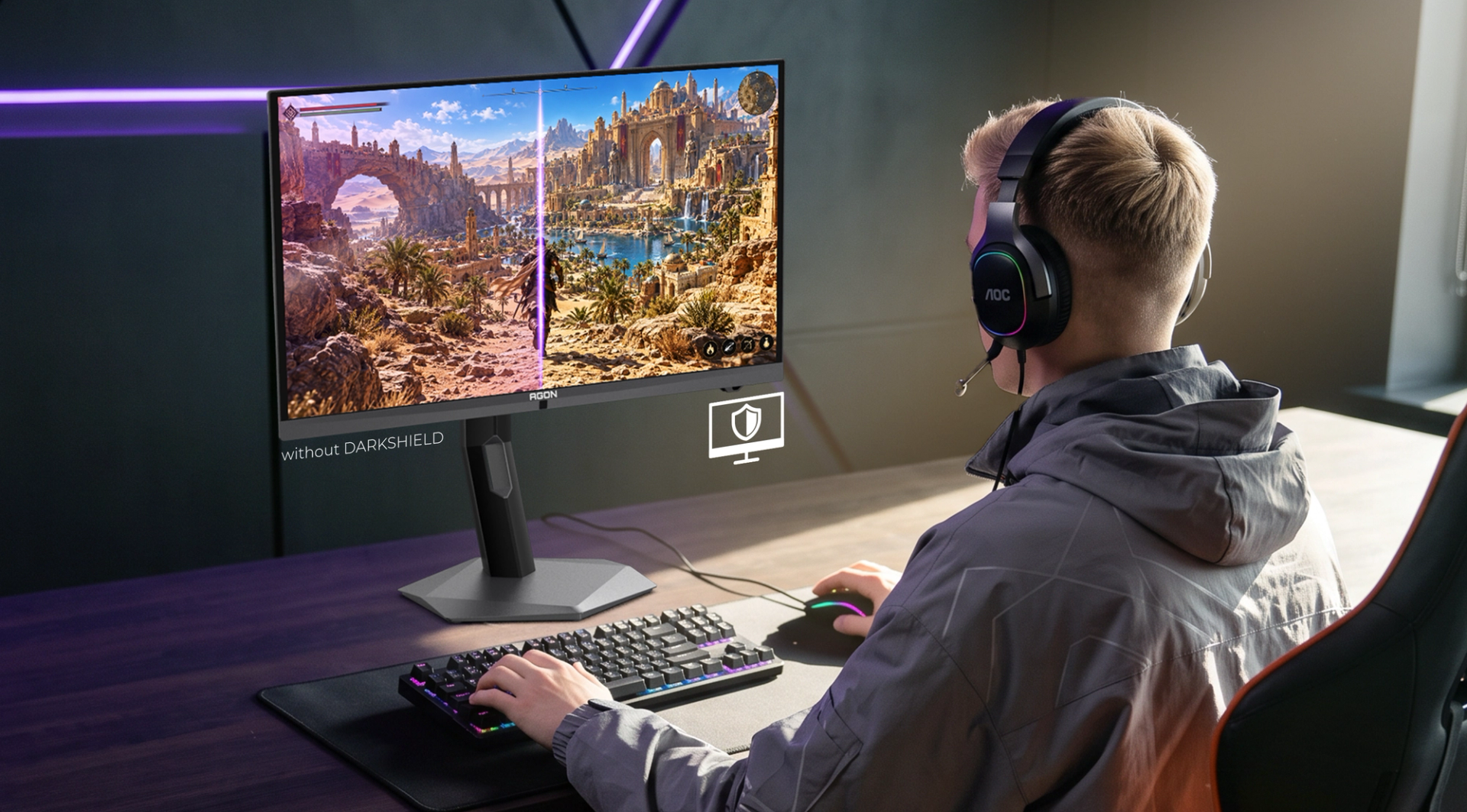
QD-OLED monitors can still show a purple tint under strong ambient light, but it is mostly a non‑issue in dark‑room environments, where the panels produce inky, deep blacks.
Does 5th‑gen QD-OLED have better contrast when viewing dark content?
OLEDs are known for crisp, punchy blacks, but they can also exhibit black crush, where subtle dark tones are clipped to pure black. OLED panels may also show rapid brightness shifts with VRR(Variable Refresh Rate) content, an effect known as VRR flicker. Anti‑flicker modes help on some displays, though they do not guarantee elimination.
Fifth‑gen QD-OLED improvements ease some of these pain points. The panels emit light more uniformly across viewing angles than traditional OLED or LCD displays, with brightness staying more consistent off‑axis.
QD-OLED monitors also implement an Automatic Brightness Limiter (ABL), a protective mechanism that dynamically reduces brightness when the screen shows large, bright areas. This controls power draw, heat buildup, and slows long‑term pixel degradation. Some monitors include a vendor‑specific Uniform Brightness feature to stabilize luminance over extended use.
How does 5th‑gen QD-OLED help with color fringing?
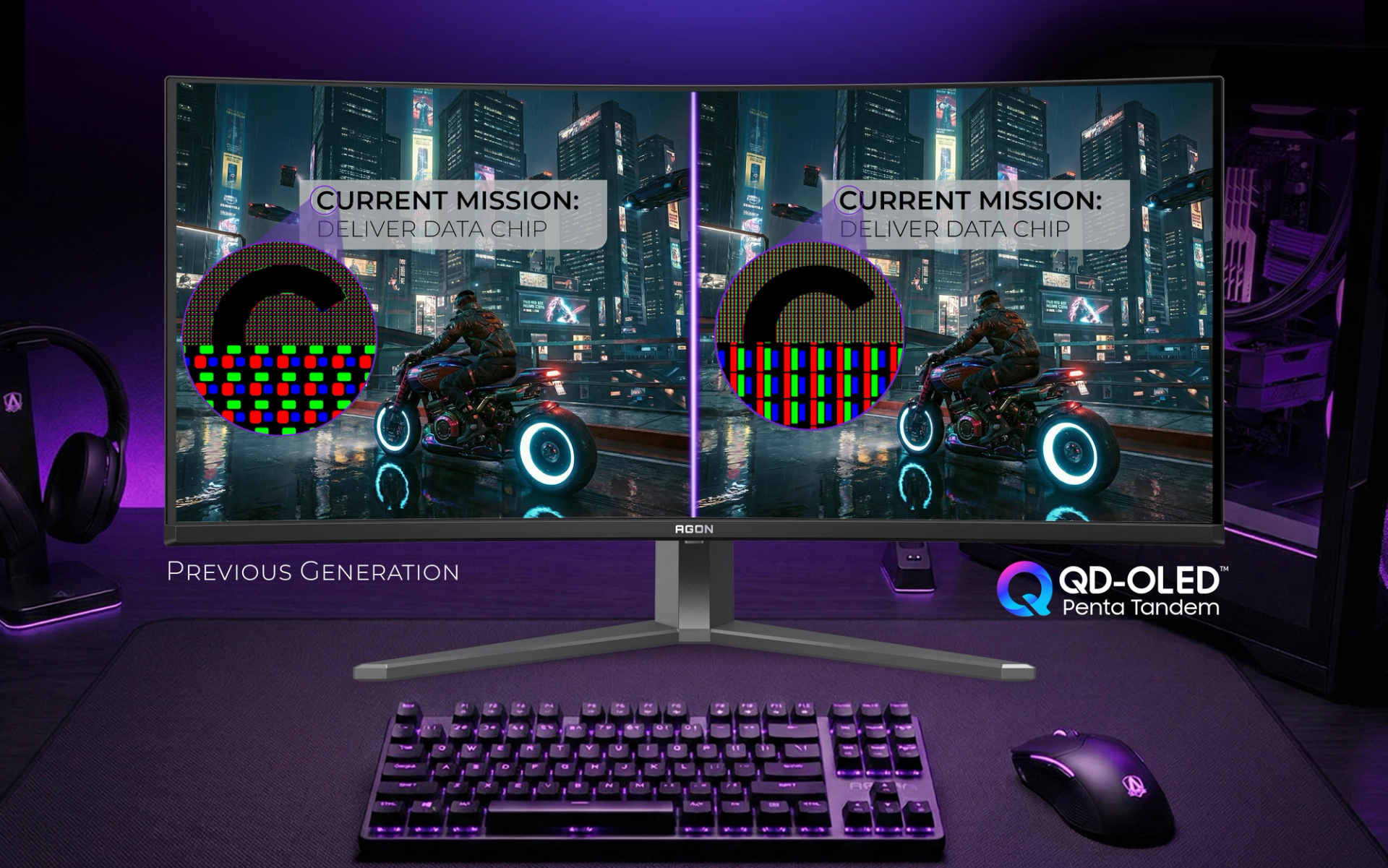
When using OLEDs for desktop computing, color fringing can make fine details such as the stem of a lowercase “l” or window edges look blurry, with faint red or blue halos. The root cause lies in the subpixel layout. Each pixel contains red, green, and blue subpixels. Traditional displays arrange them in regular vertical RGB stripes. Older QD-OLED displays used Samsung’s Diamond Pixel subpixel arrangement to accommodate larger, brighter blue subpixels. Operating systems are optimized for vertical‑stripe layouts and render text accordingly, which creates color fringing on Diamond Pixel panels. Some fifth‑gen QD-OLED panels revert to the vertical RGB stripe layout, matching standard OS text‑rendering engines and improving text clarity. However, some fifth‑gen QD-OLED monitors still retain the Diamond Pixel layout.
Should I buy a fifth‑gen QD-OLED display?
A fifth‑gen QD-OLED display is ideal if you prioritize high refresh rates, text clarity, and long‑term durability. You can get the vertical‑stripe subpixel option, refresh rates up to 360 Hz, plus improved brightness and durability compared with earlier QD-OLED displays.
If you game in a bright room, anti‑reflective coatings such as DarkShield can reduce the purple tint and deliver deeper perceived blacks. Ultra‑high refresh rates benefit competitive gamers, while improved text clarity suits professional workflows. The same monitor can serve both gaming and productivity.
How can I decide which QD-OLED monitor to buy? Answer these questions.
What am I using this monitor for?
For gaming, especially esports, high refresh rates are essential. For professional use, color accuracy and the fifth‑gen improvements to color fringing are also valuable.
Where am I going to put this monitor?
If it will sit in a well‑lit space, prioritize fifth‑gen models with advanced anti‑reflective coatings. QD-OLED still performs best in light‑controlled environments, but these coatings reduce that requirement.
Does the monitor support my hardware?
Check that your PC or console can output a high enough frame rate to take advantage of the panel’s refresh rate. Confirm the monitor’s pixel response specification, since a high refresh rate delivers little benefit if the panel’s response is slow. Also verify that its ports match your needs. Some USB‑C ports can deliver reduced performance when bandwidth is shared across video output, data transfer, and power delivery.
Do I need HDR support?
Not necessarily. QD-OLED displays already deliver deep contrast and vibrant colors in Standard Dynamic Range (SDR), but HDR unlocks the panel’s peak brightness capability.
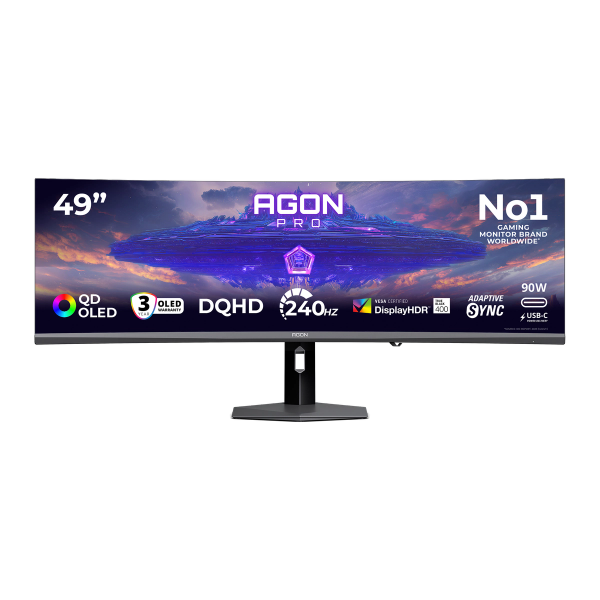
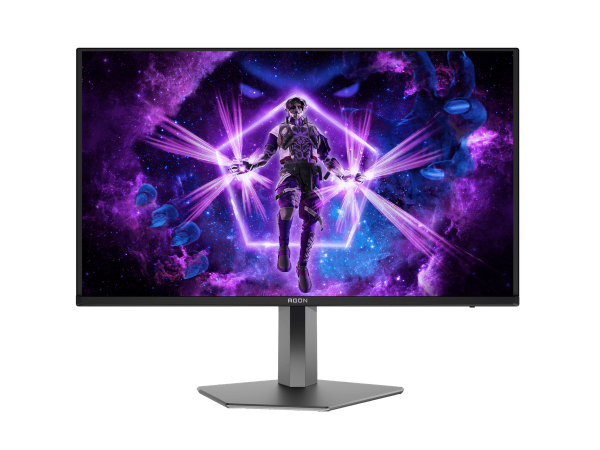
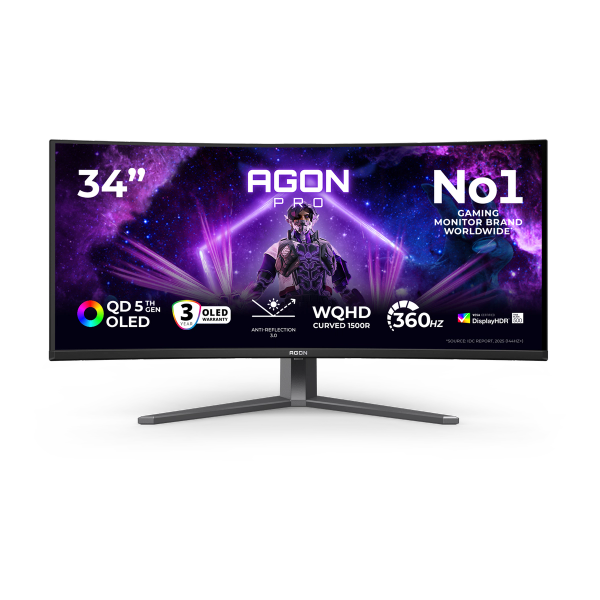
Final thought: Is it worth buying a QD-OLED monitor in 2026?
Many new display types have launched in recent years, each with distinct pros and cons. With the fifth generation of QD-OLED, brightness, contrast, and durability have improved substantially. Even if you avoided OLED in the past, QD-OLED may be worth a second look in 2026.