Gaming Monitor Buying Guide
How to Find the Gaming Monitor That Suits You
Purchasing a new gaming monitor is an investment. It’s tempting to choose the highest resolution or fastest refresh rate, but your games, budget, and everyday use should determine which specifications matter most.
How to choose which monitor for which games?
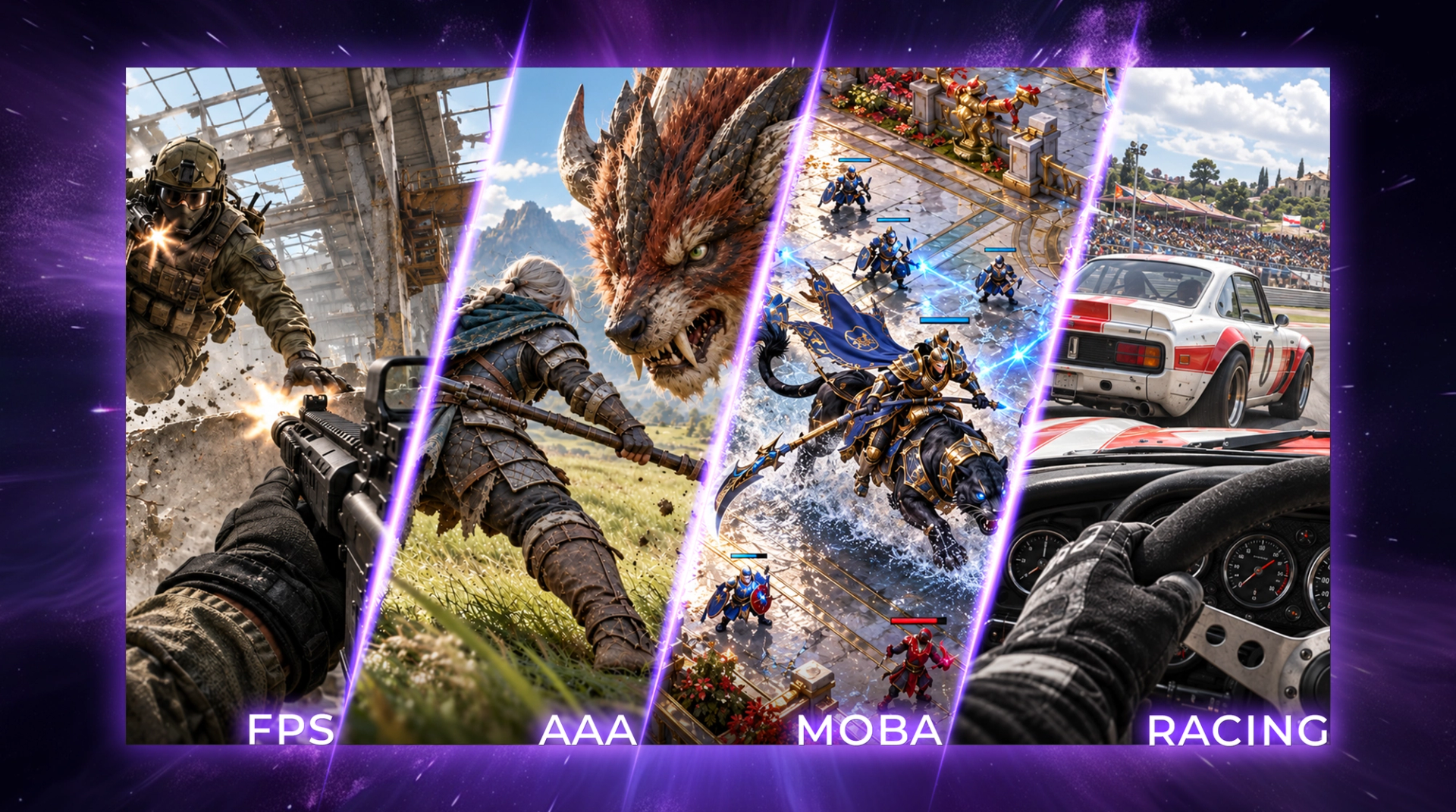
First, determine which type of monitor is right for you. FPS (first-person shooter) players need a high number of frames per second and fast pixel response time. A story-driven AAA game may prioritize resolution, contrast, and image quality, while MOBA (Multiplayer Online Battle Arena) games lean toward balanced resolution and good ergonomics. Buy the gaming monitor that best fits your genre.
Balance and Resolution
A 24-inch 1920×1080 monitor has approximately 92 pixels per inch (PPI); a 27-inch 2560×1440 display has about 109 PPI; and a 32-inch 4K display has around 138 PPI. Increasing resolution without enlarging the screen generally results in a sharper image. Enlarging the screen at the same resolution reduces pixel density.
A 4K display renders four times as many pixels as 1080p, providing more detail but increasing GPU workload and potentially reducing frame rate. For casual PC gamers, a 27-inch QHD monitor balances clarity, screen size, and performance for gaming and everyday use. Competitive gamers may prefer 24- to 24.5-inch FHD monitors, a practical tournament size when players prioritize high frame rates. Your monitor resolution shouldn’t outpace your graphics card. Check game-specific benchmarks at your intended resolution; GPU requirements vary by game, settings, target frame rate, ray tracing, and upscaling.
AGON offers gaming monitors across a range of specifications. The most powerful monitor may be unnecessarily expensive if it isn’t tailored to your needs.
| Main use | Specifications to prioritize | Main trade-off | Compatibility check | Recommended Monitors |
|---|---|---|---|---|
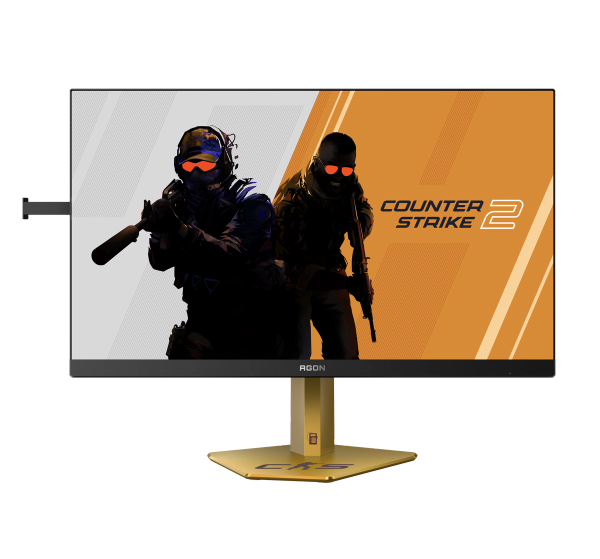
| FPS (First-Person Shooter) | High refresh rate, fast response | Lower resolution or less emphasis on HDR and image quality | GPU frame rate | CS24A, AGP257FT |
| AAA Games | Higher resolution, image quality | Lower achievable frame rates at higher resolutions | Can your GPU sustain the target resolution and refresh rate? | AGP327UZD, AG326UZD2 |
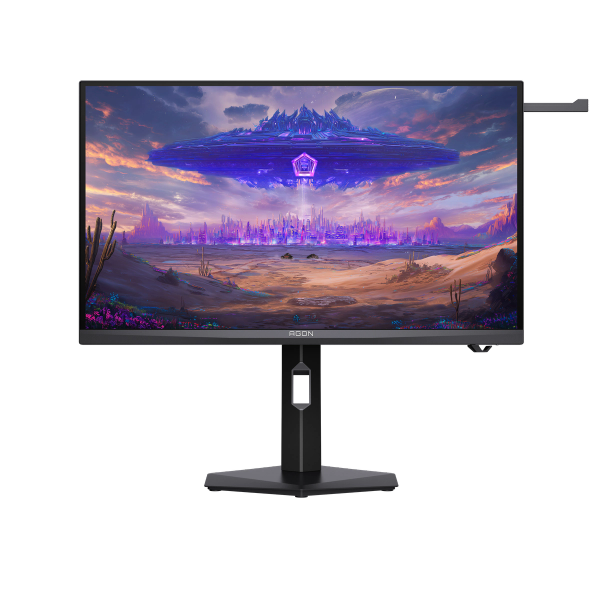
| MOBA and mixed work/gaming | Balanced resolution and good ergonomics | Moderate refresh rate compared with esports displays | Gaming or work setup | AG276QSD, Q27G4SD |
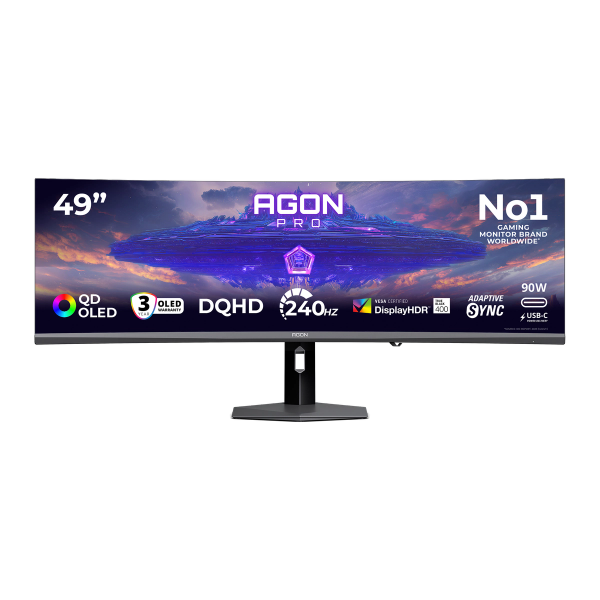
| Racing/flight simulation | Ultrawide display and resolution | Greater desk-space and GPU requirements; inconsistent ultrawide support in some games | Ultrawide gaming monitor support | AGP497UCZD |
What refresh rates actually tell you
A monitor’s refresh rate, measured in hertz (Hz), indicates how many times per second the screen refreshes. A 144 Hz display can refresh up to 144 times per second, but actual frame rate depends on your PC and game. Refresh rates from 120 Hz to 165 Hz can feel smoother for many setups; competitive players may benefit from 240 Hz or higher if their systems can sustain the frame rate.
Response time differs from refresh rate. Gray-to-gray (GtG) response time describes how quickly a pixel transitions between shades. Input lag measures the delay between an action, such as pressing a button or moving a mouse, and the screen output. Both low input lag and fast pixel response matter in competitive gaming. Review independently measured results rather than relying on a single advertised figure.
Variable refresh rate (VRR) synchronizes a monitor’s refresh timing with frames from a compatible GPU or console within the display’s supported range. This helps reduce screen tearing and stuttering when frame rates fluctuate. Motion performance also depends on the GPU, response characteristics, input latency, and response time.
Which display technology suits your room, and routine?
OLED monitors generally offer near-instant pixel response compared with LCD-based displays, helping reduce visible motion blur in fast-moving games. Mini-LED monitors can deliver higher sustained and peak brightness than many monitors.
Here’s how the technologies work:
- IPS technology uses a backlight behind the screen. Liquid crystals are aligned parallel to the screen and, when charged with electricity, allow light through or block it. Think of it as having millions of window blinds. A balanced option for gaming and daily use, with wide viewing angles, high refresh rates, vibrant colors, and fast response times. Blacks can look more like dark gray, especially in pitch-black rooms.
- VA technology has the similar technology, but their liquid crystals are arranged vertically to the screen when uncharged. When charged, they tilt to let light pass through or block it from the backlight. This structure blocks backlight more tightly when closed, achieving deeper blacks. High contrast and deep blacks make shadows, dark rooms, and night scenes look immersive. However, response time can be slower than on IPS and OLED displays, leading to minor ghosting during fast-moving competitive shooter games.
- OLED technology doesn’t use backlights. Instead, every pixel generates its own light and color independently. If a pixel needs to show black, it turns off. The near-instant pixel response times make motion look very crisp. Modern OLED gaming monitors combine self-emissive contrast and near-instant pixel response with improved brightness and anti-reflective treatments. They suit competitive and visually rich games, although buyers should consider sustained full-screen brightness, text clarity, and long-term static-content use.
- Mini-LED technology isn’t a separate panel type; it’s a backlighting system used behind an IPS or VA panel. Many small LEDs are grouped into local-dimming zones, allowing different areas of the screen to adjust brightness independently. Many Mini-LED monitors can deliver higher sustained full-screen brightness than typical OLED gaming monitors, although brightness and local-dimming performance vary by model. This backlighting system uses many tiny backlight zones for high peak brightness and deep contrast, with little worry about burn-in. You can occasionally encounter a halo effect (blooming) around bright objects. Mini-LED monitors also cost more than IPS and VA monitors because of the advanced engineering and manufacturing required.
Final thoughts
Before buying, consider the games you play and confirm the monitor supports their required resolution and refresh rate. A high refresh rate monitor offers limited benefit if your GPU cannot produce enough frames. Also consider desk space, especially for a large or ultrawide monitor.
No single gaming monitor is perfect for every gamer. List your needs and narrow options by screen size, resolution, refresh rate, and display technology. Your requirements may change, so choose what works best now and beyond.