Are you ready for the new generation of console games?
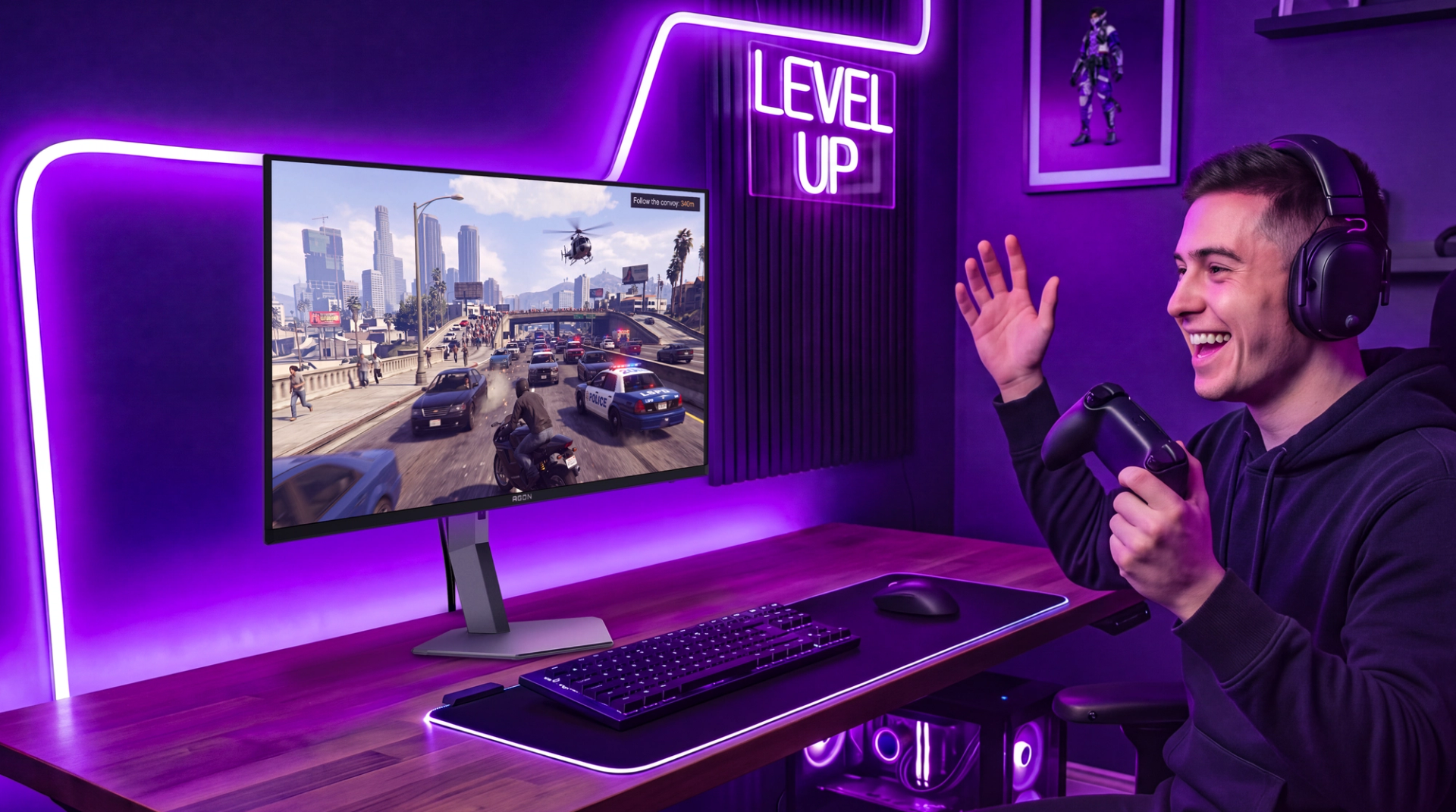
Bigger worlds, richer details and cinematic action: the next wave of console games deserves a screen that brings it all to life. A PC gaming monitor can be an excellent ally for your console, whether you prioritise immersion, smooth gameplay or a setup that handles both console and PC.
Start with 4K and HDMI 2.1
Looking for a 4K gaming monitor for your console? Choose HDMI 2.1 and support for 4K at 120Hz, with VRR to keep gameplay smooth as frame rates change.
The AOC GAMING U27G4R and U32G4U combine 4K detail with HDMI 2.1 connectivity, making them strong choices for exploring expansive environments and enjoying fast action. Performance depends on your console and the supported game modes.
Take immersion further with OLED
For visually rich console games, OLED brings deep blacks, striking contrast and ultra-fast pixel response. From dramatic lighting to dark interiors, it adds depth to the worlds you explore.
The AGON PRO AG326UZD2 and AG276UZD combine 4K resolution with QD-OLED technology and HDMI 2.1, offering a premium console gaming experience in larger and more compact formats.
Play on console. Push the speed on PC.
Your monitor can adapt when you move between cinematic console adventures and competitive PC games.
With Dual Mode, the U27G4R and U32G4U switch between UHD at 160Hz and FHD at 320Hz. The CQ27G4Z2 offers QHD at up to 260Hz or HD at 400Hz for PC gaming. Choose detail when immersion comes first, then switch to a higher refresh rate when speed becomes the priority.
Gaming on a budget? Consider QHD.
A QHD gaming monitor offers a balance between sharp visuals and affordability. The AOC GAMING Q27G4XF and Q27G42XE are accessible options for players who want detailed images and responsive gameplay.
The Q27G42XE supports QHD at 120Hz on compatible consoles. To prioritise FPS, use a supported performance mode in your game; choosing a QHD monitor alone does not guarantee higher frame rates.
Find your console’s match
Whether you choose UHD, QHD or FHD, check that your monitor supports your console’s chosen resolution and refresh rate over HDMI. For compatible games, 120Hz support can help you make the most of smoother gameplay.
Whatever world comes next, make sure your monitor is ready for it.
Press contact
AOC International B.V.
Mafalda Levi Gonçalves
PR Coordinator
Prins Bernhardplein 200, 6th Floor
1097 JB Amsterdam, Netherlands
mafalda.goncalves@tpv-tech.com