Arms
AM400B
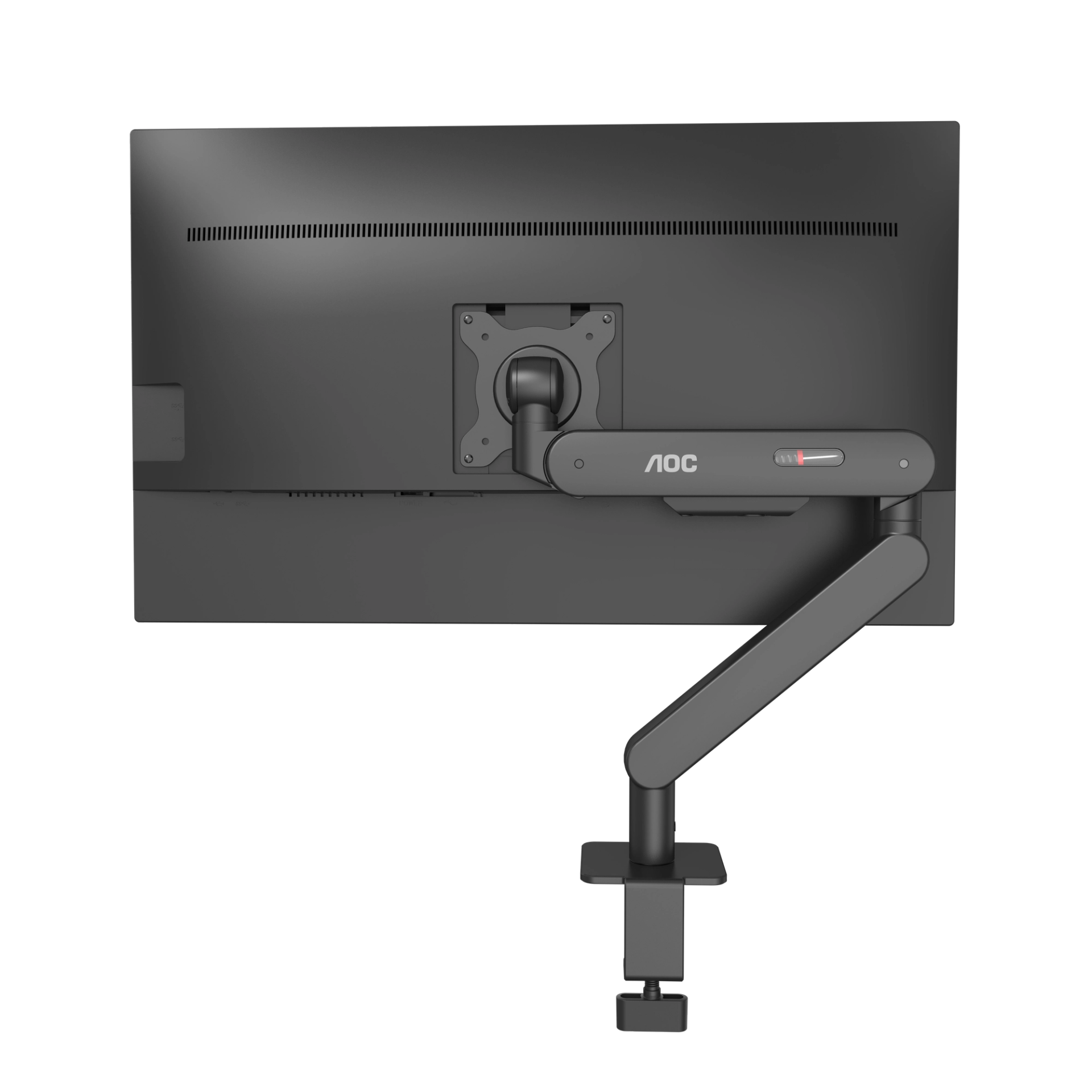
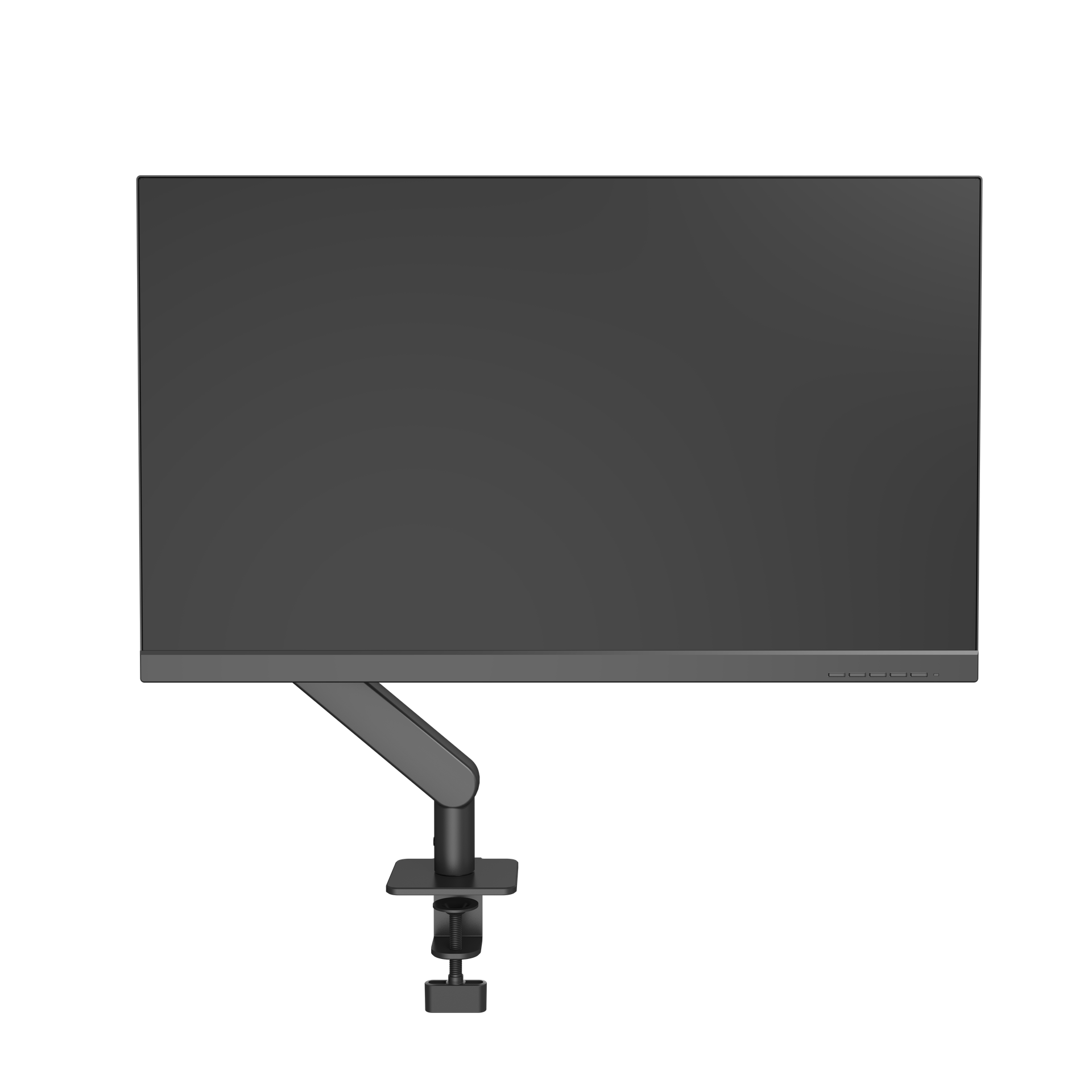
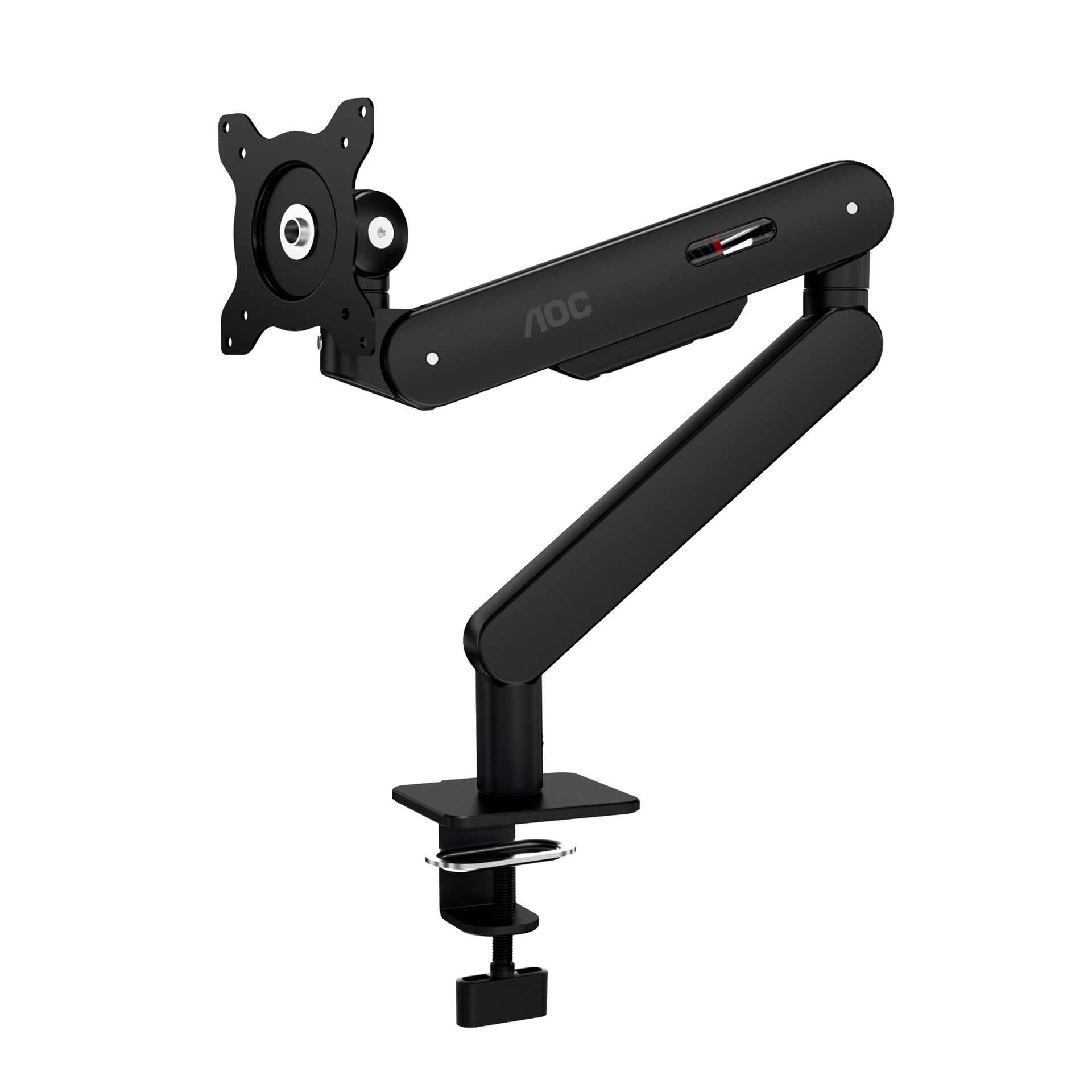
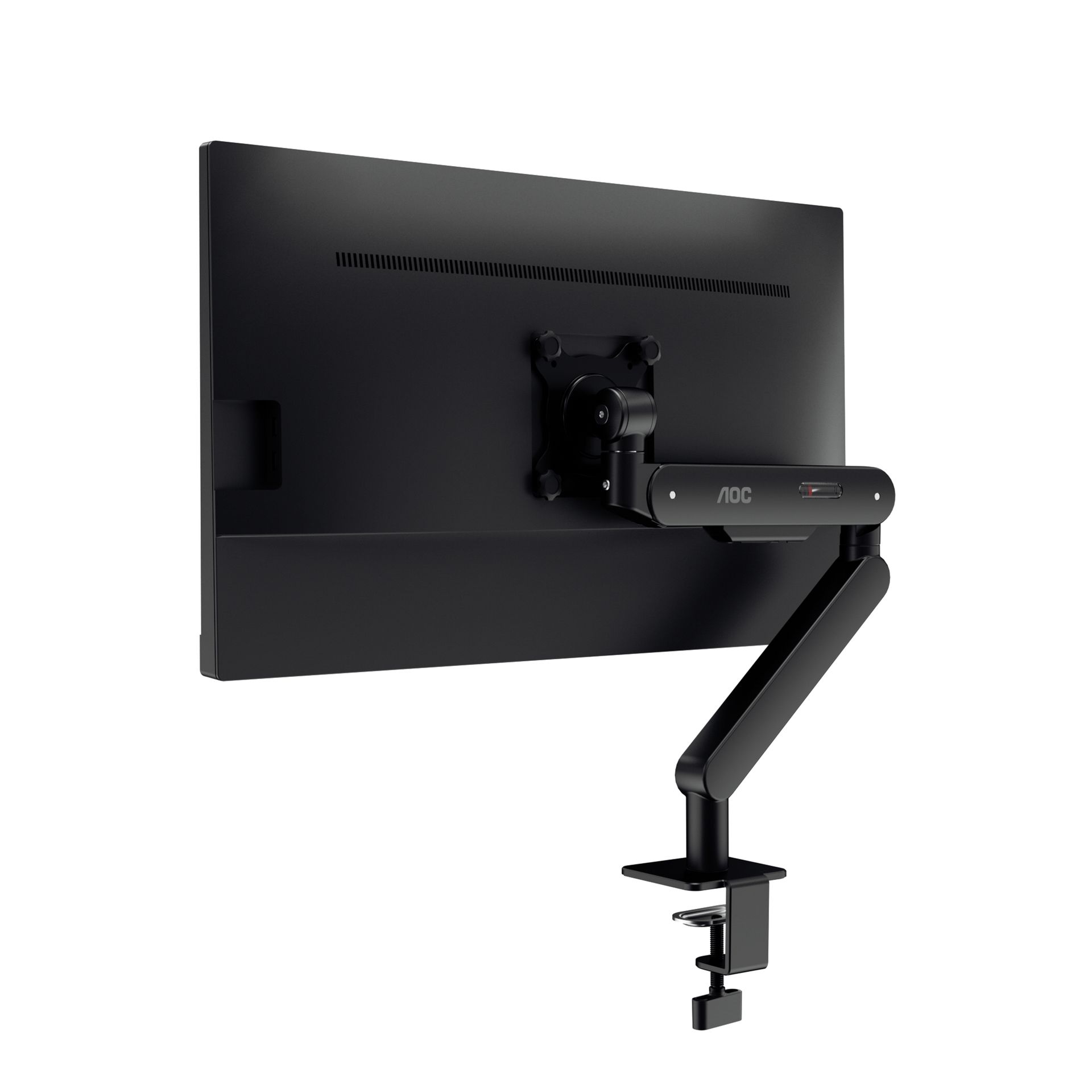
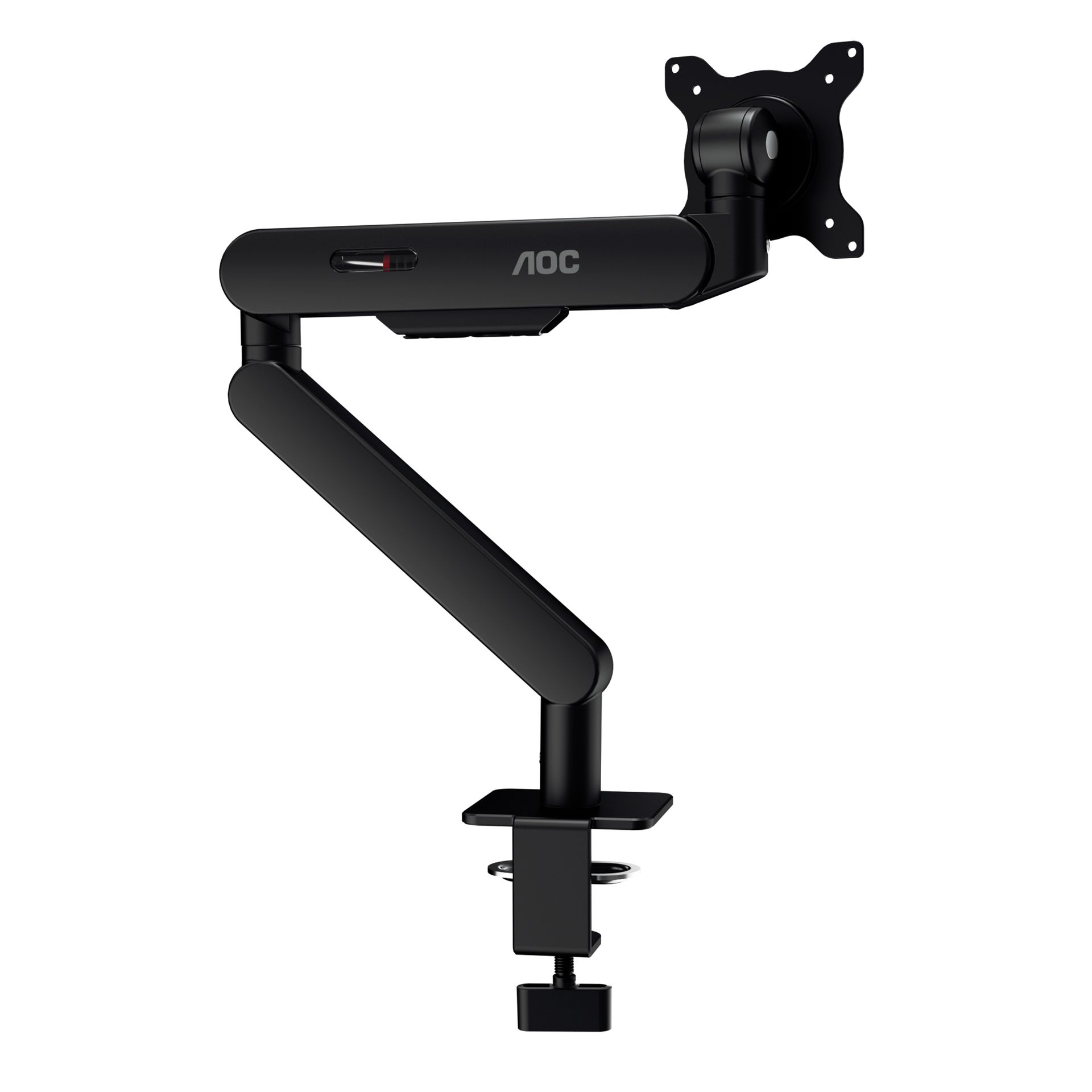
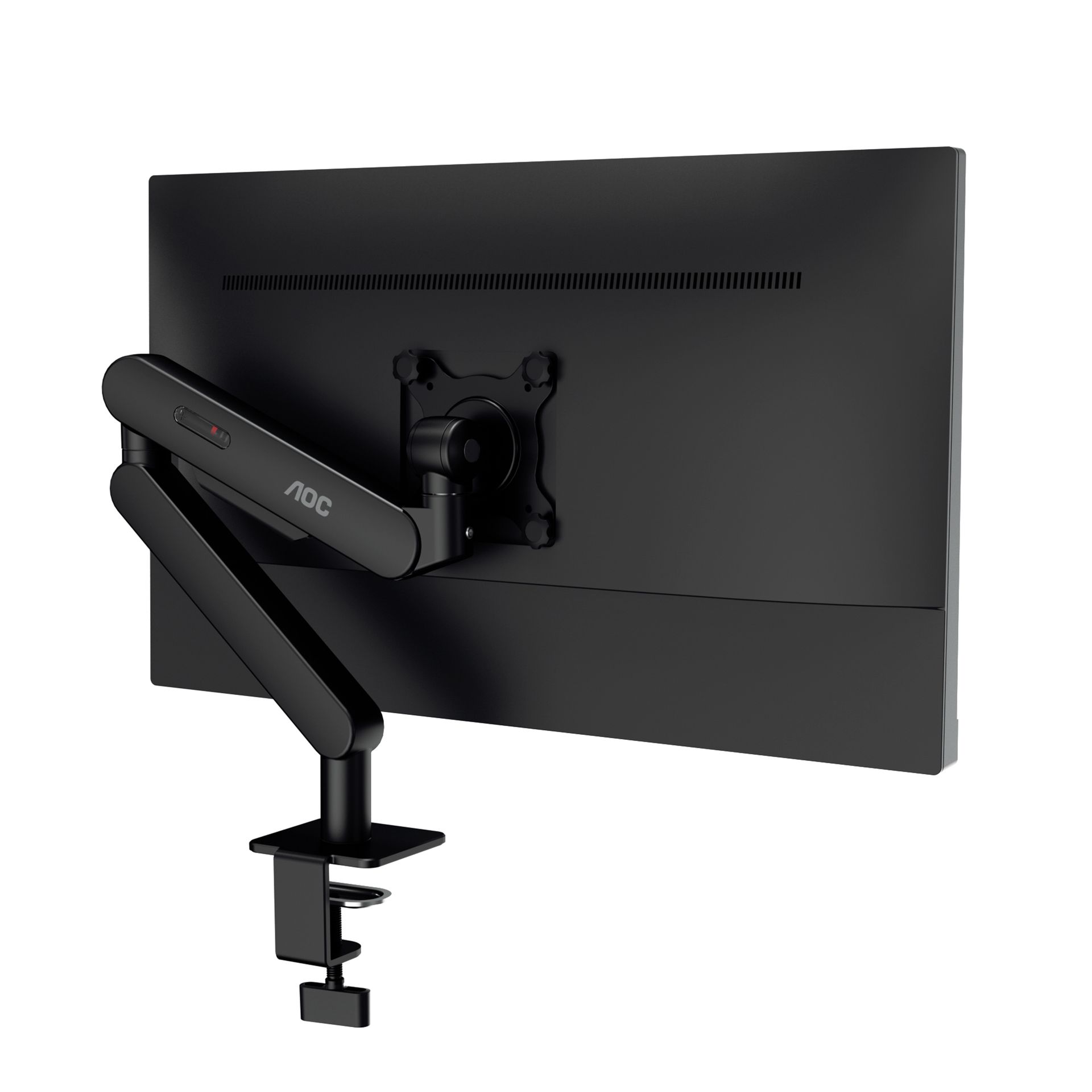
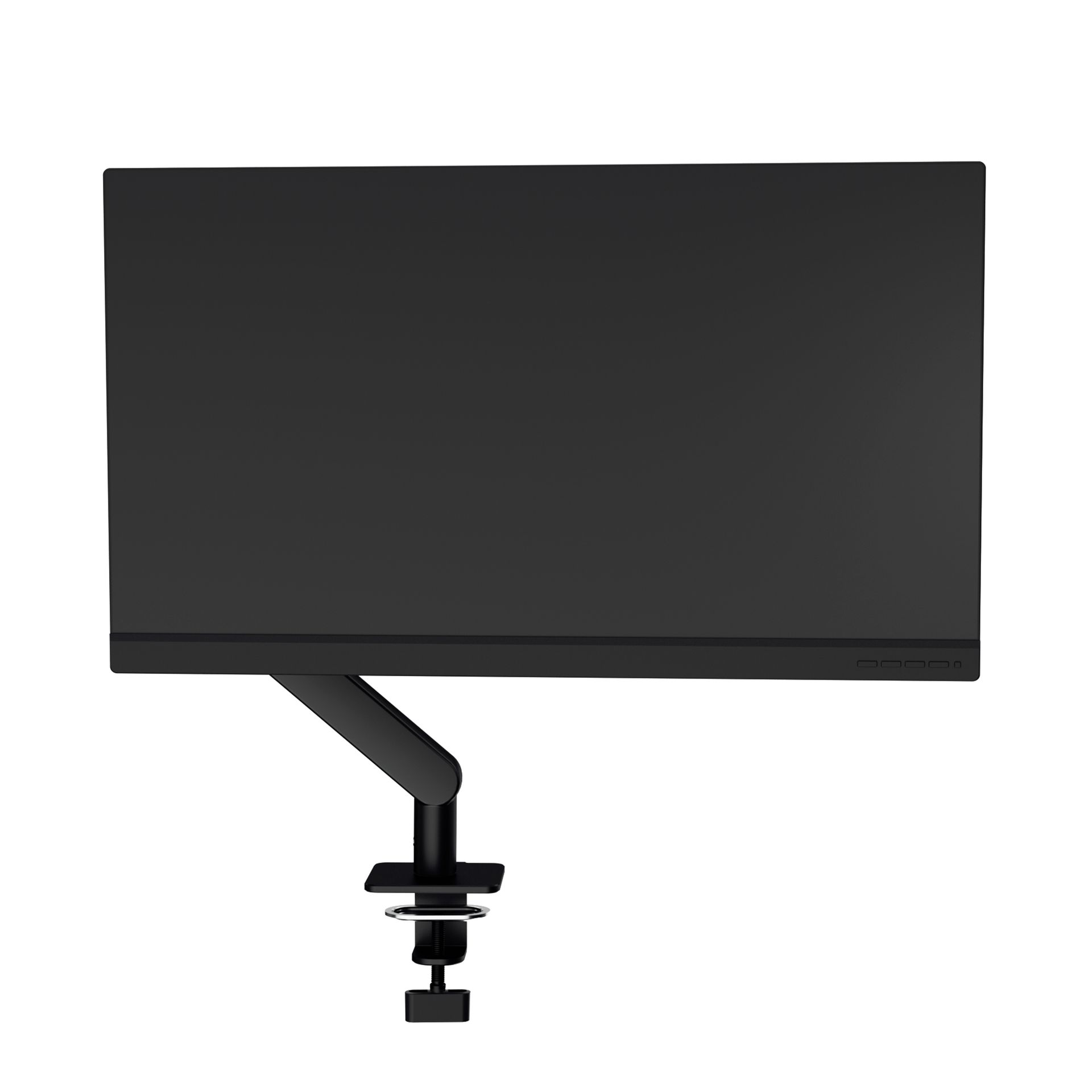
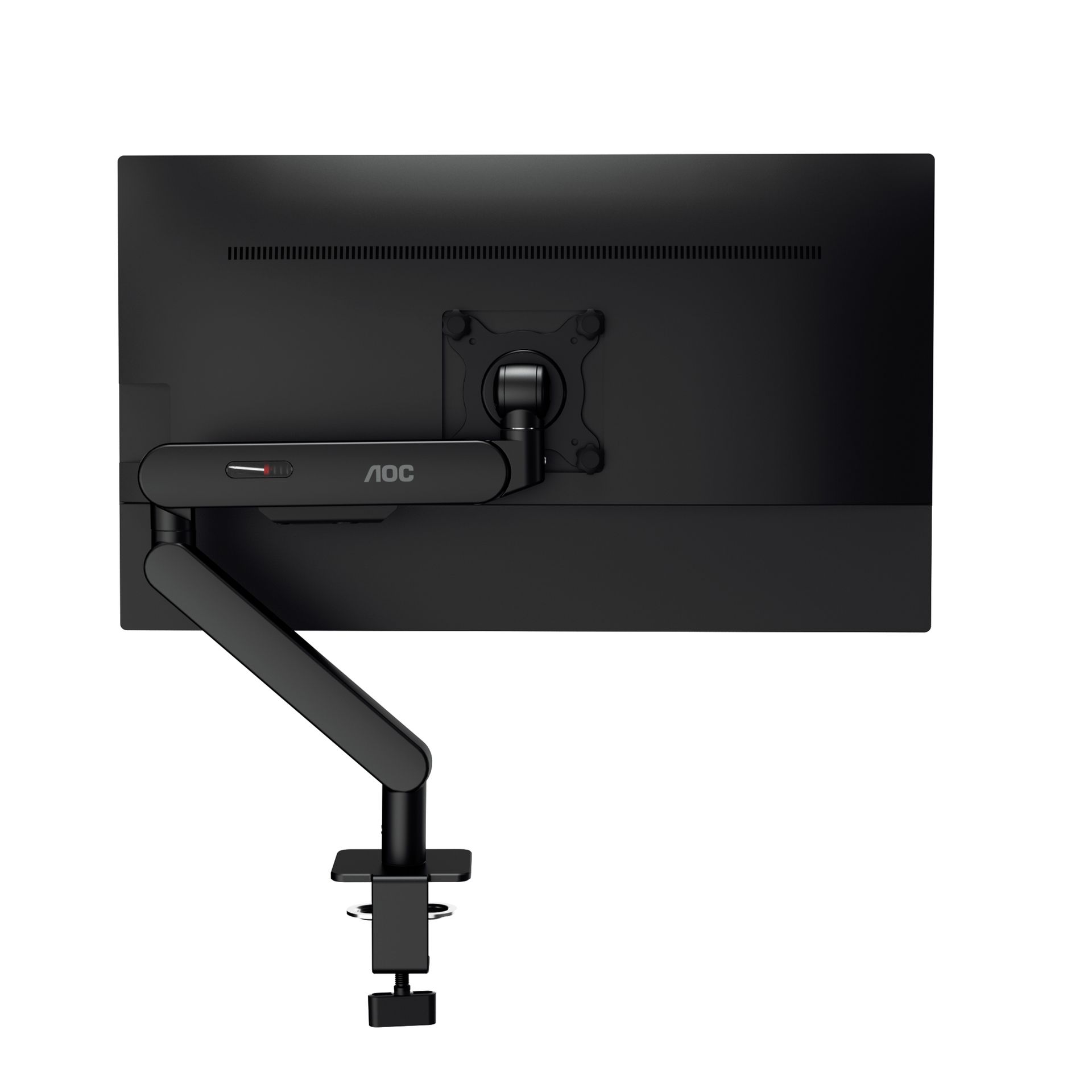
Enhance your workspace: the AM400B universal monitor arm - Seamlessly integrate, maximize space, and manage cables.
Ultimate flexibility for your monitor
Crafted to perfection with an aluminum alloy build, the AM400B accommodates monitor sizes from 17” to 34”, with a maximum weight capacity of 9 kg. Its durable mechanical spring mechanism ensures sturdy support, while VESA compatibility (75x75, 100x100mm) allows for easy integration. Enjoy a versatile range of motion, including up to 495 mm height adjustment, up to 456 mm extension, -15°/90° tilt, -90°/90° swivel, and 360° pivot range, enhancing your workspace flexibility. Select between C Clamp or Grommet installation methods to suit your setup and elevate your ergonomic experience with the universal monitor arm AM400B.
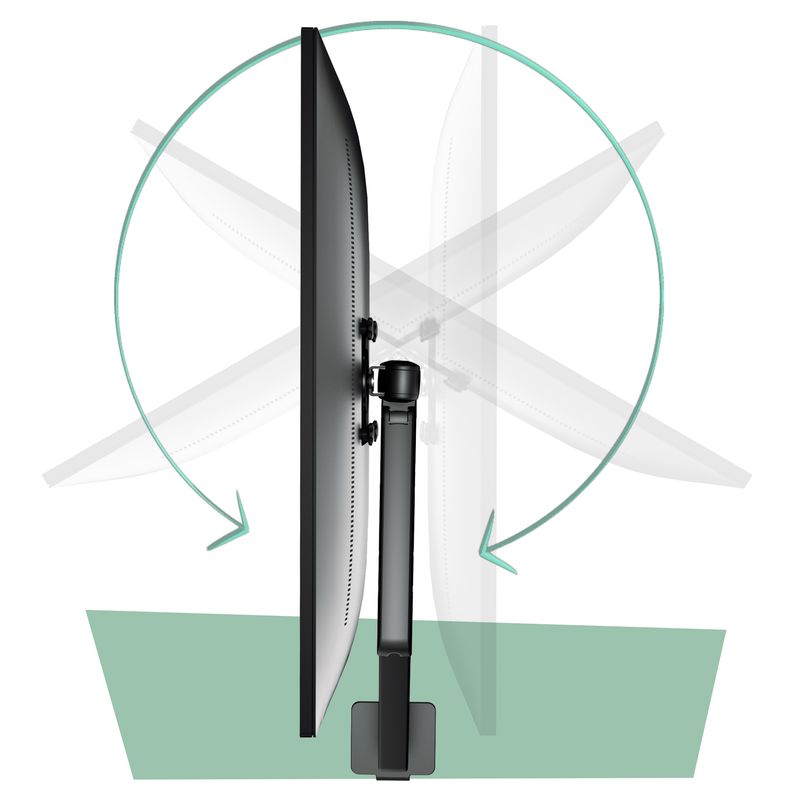
Swivel & Tilt
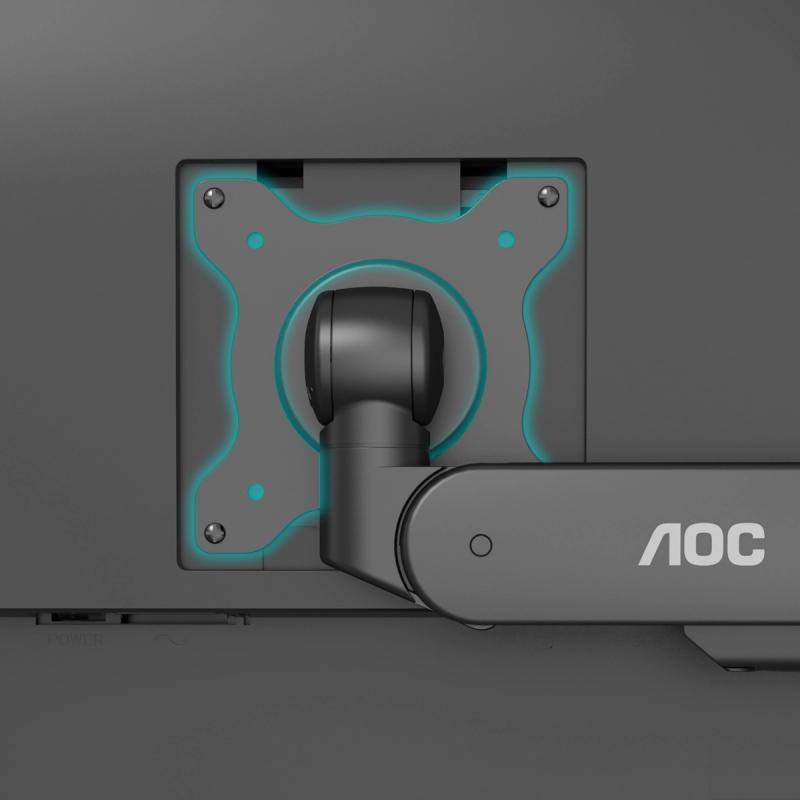
Vesa Connection
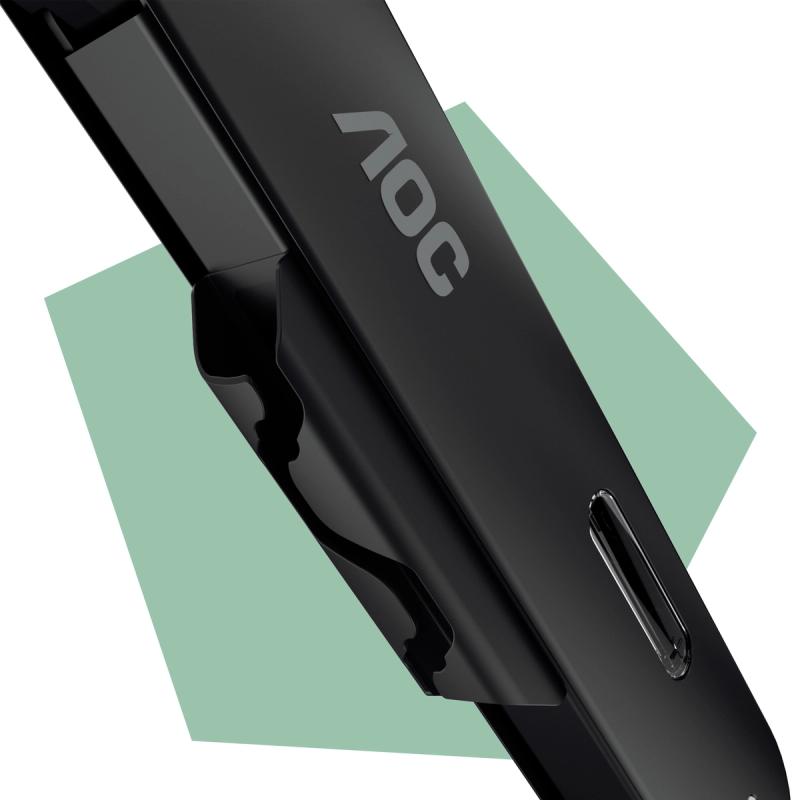
Cable Management
Durable Mechanical Spring
Specifications
- Clamp mount table thickness range1.5 cm – 5,0 cm
- Grommet mount table thickness range1.5 cm - 5 cm
- Grommet mount table surface hole rangeFrom 6 cm wide
- VESA plate monitor mount75x75mm, 100x100mm
- Desk mount baseClamp, Grommet mount
- EAN4038986631365
- What's in the box?User Manual, Monitor Arm, Clamp mount, Grommet mount, Installation materials
Drivers & manuals
| Manuals | Publish date | Size | Language | Download |
|---|---|---|---|---|
| User manual | 28. prosinca 2023. | Download pdf |
| Other | Publish date | Size | Language | Download |
|---|---|---|---|---|
| LeafLet | 17. kolovoza 2026. | Download pdf | ||
| LeafLet | 17. kolovoza 2026. | Download pdf | ||
| LeafLet | 17. kolovoza 2026. | Download pdf | ||
| RohsDocument | 1. rujna 2023. | Download pdf | ||
| ReachDocument | 1. rujna 2023. | Download pdf | ||
| RohsDocument | 25. lipnja 2024. | Download pdf |