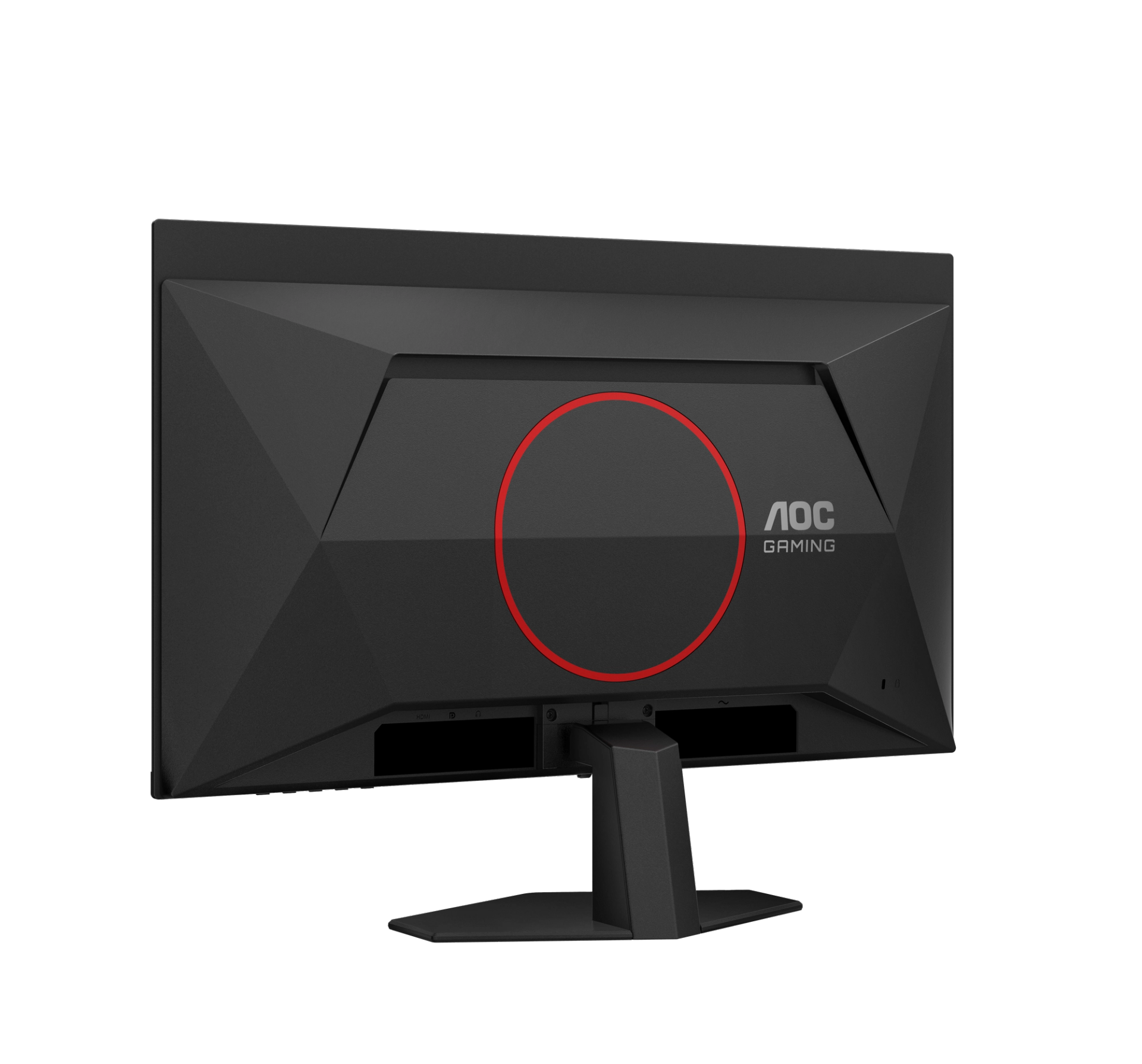
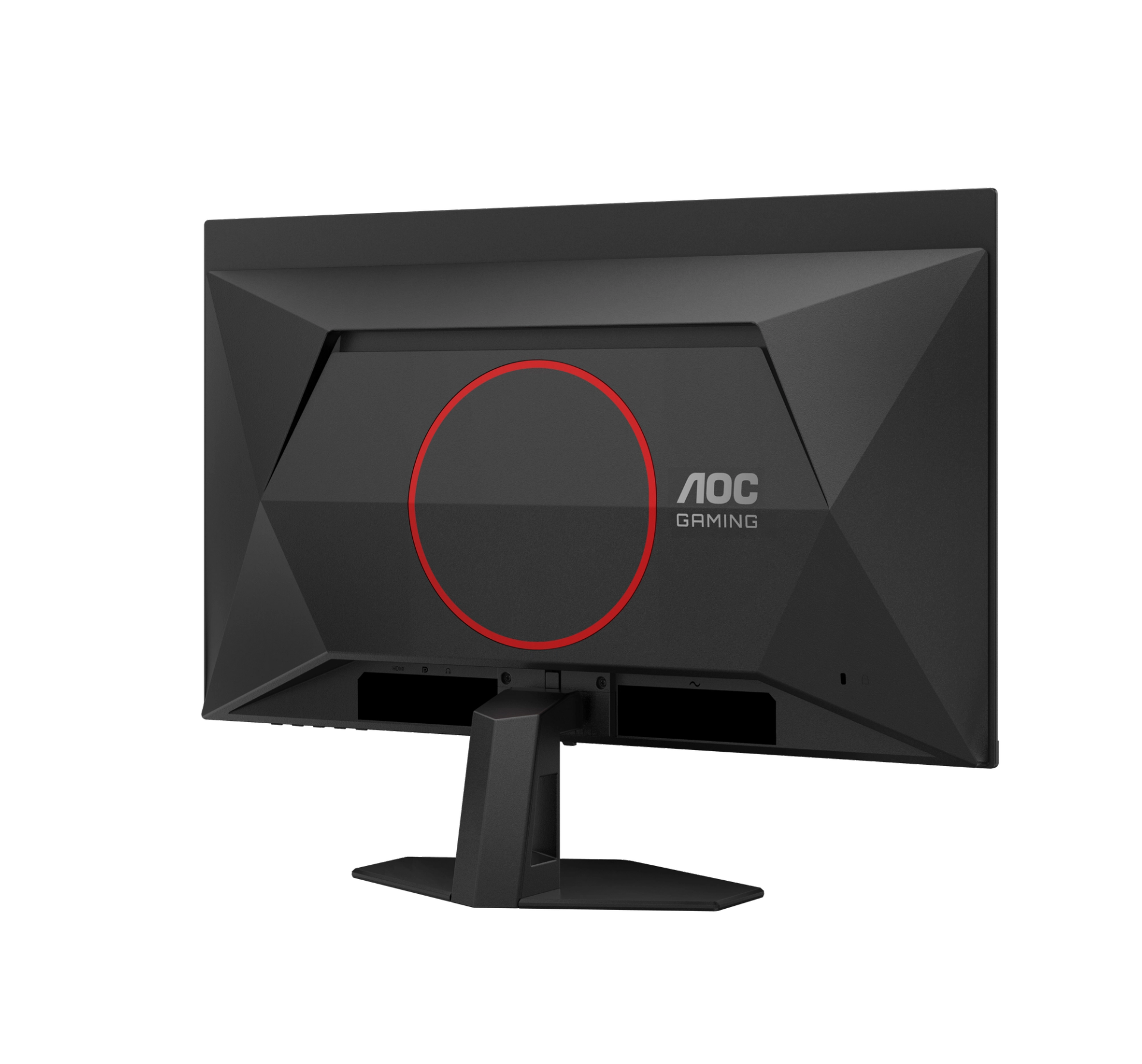
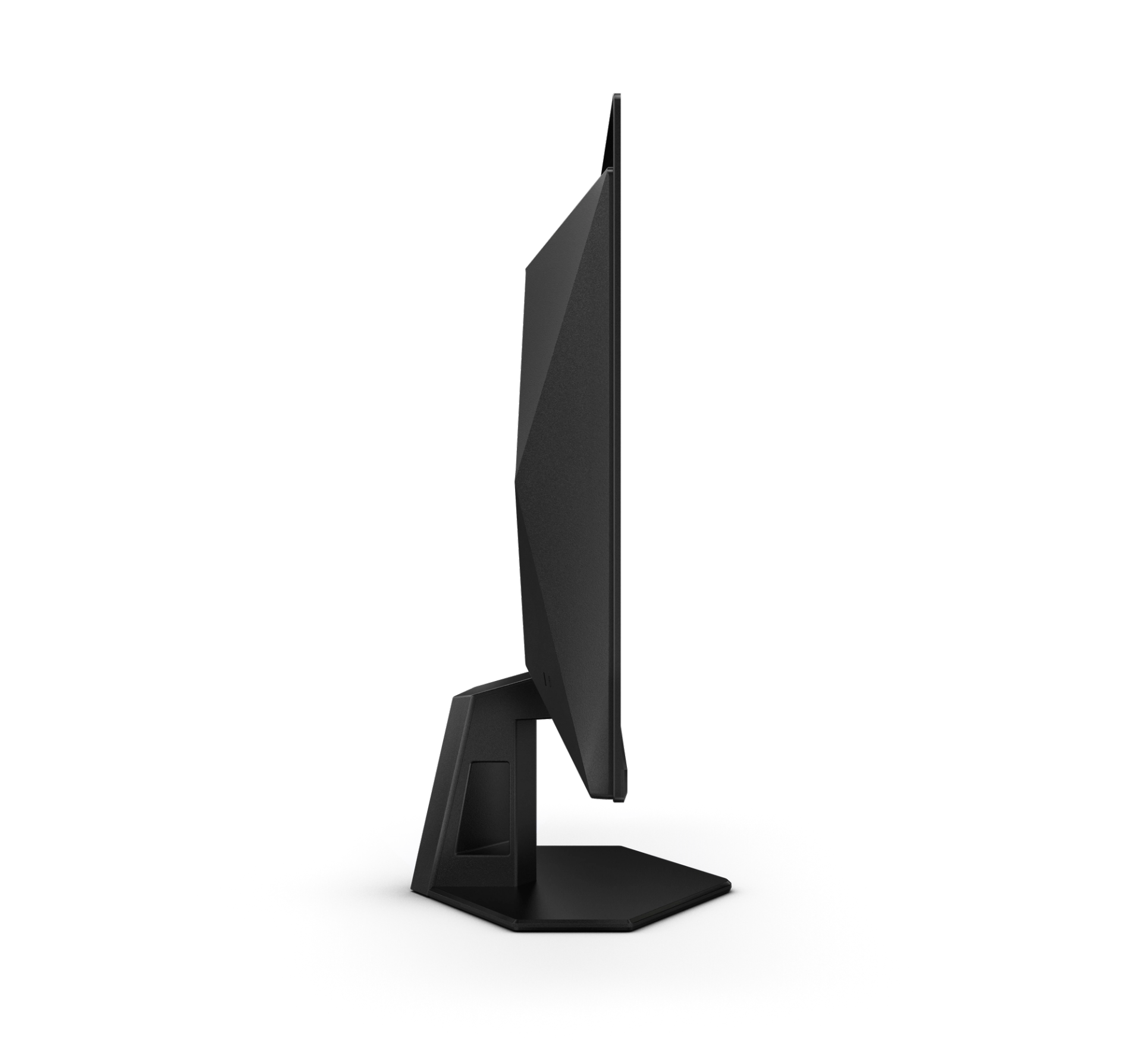
Monitor

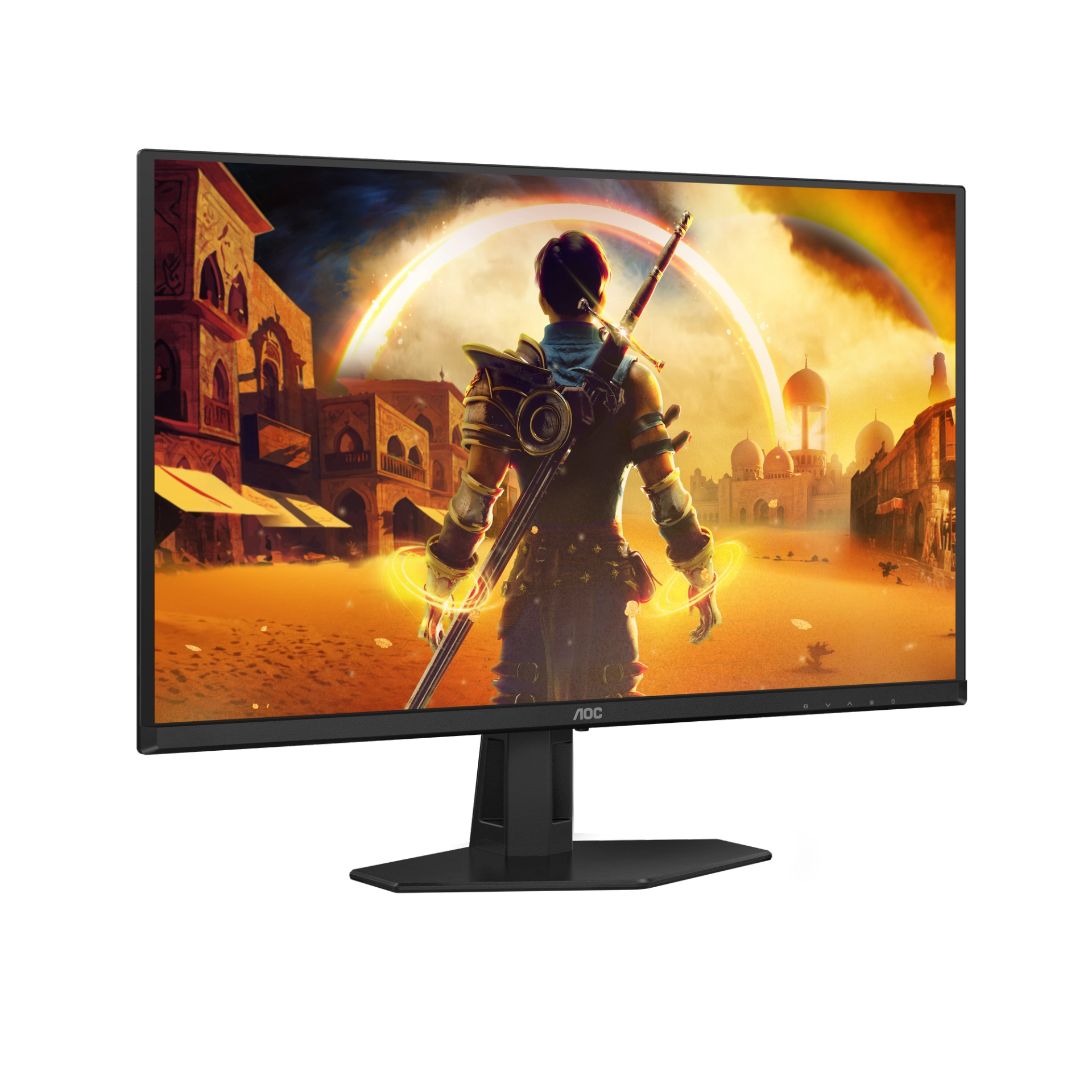
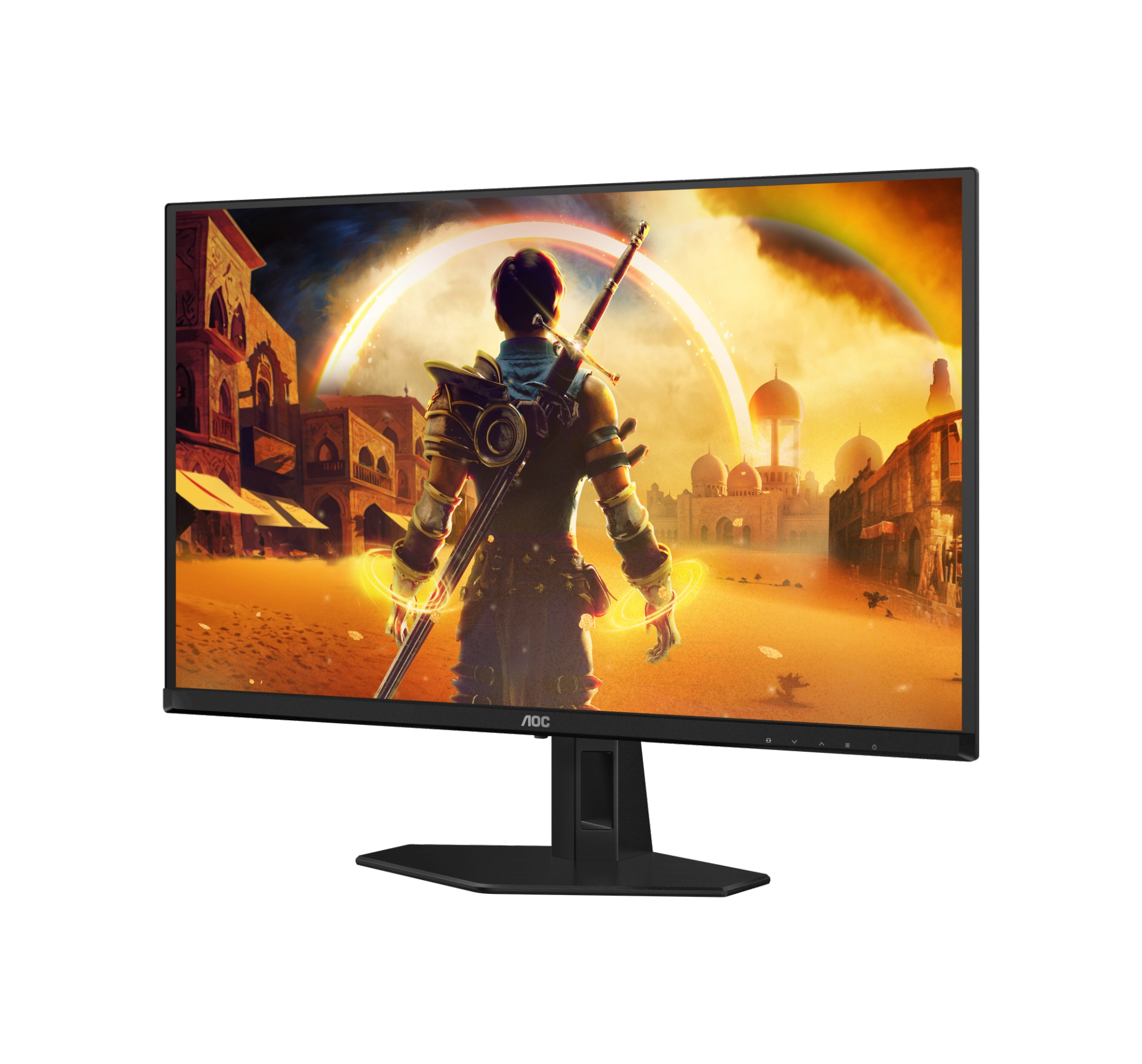
Q27G40ZDF

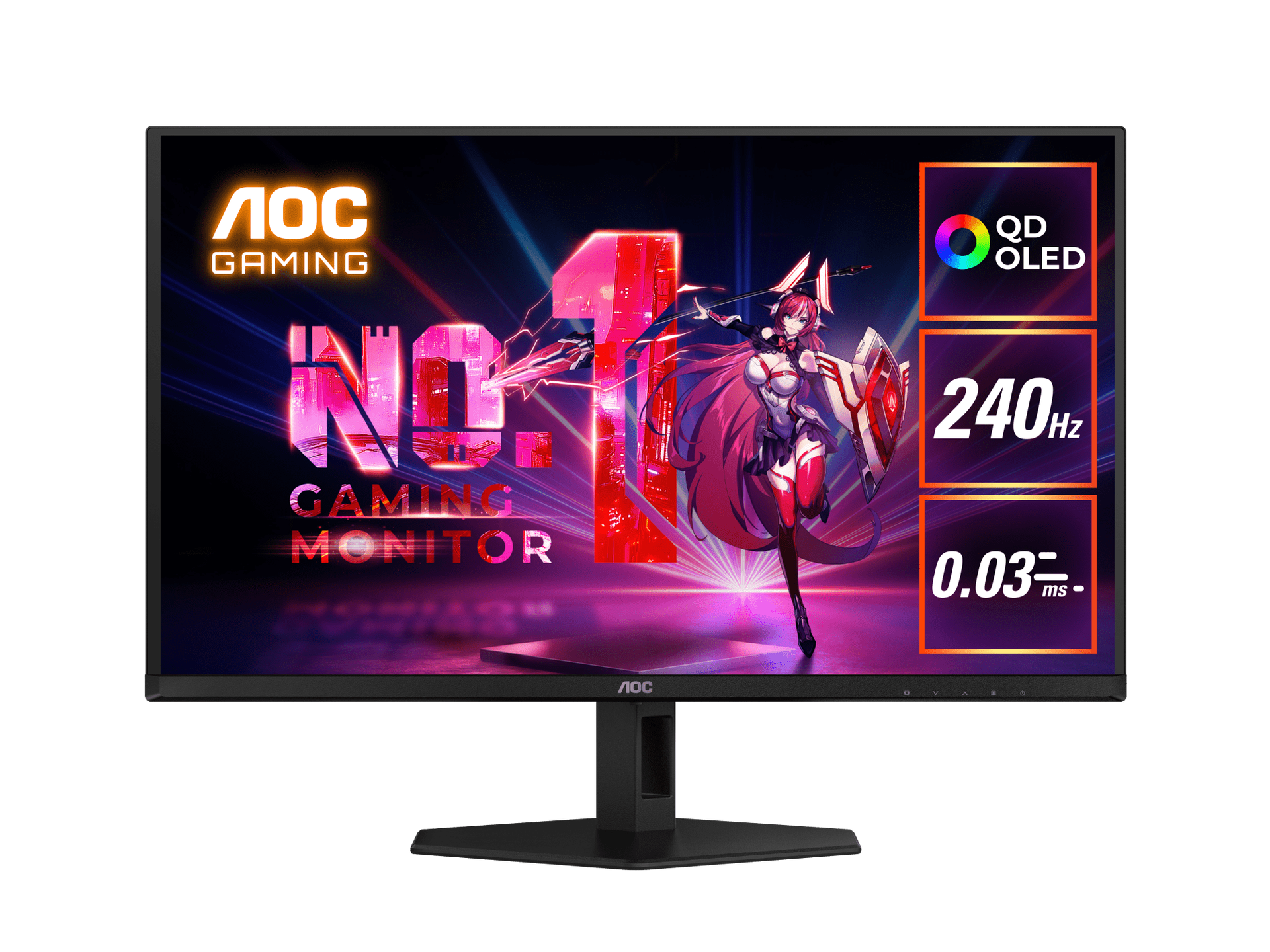
27" QD-OLED Gaming Monitor
  • Screen size (inch)

    27.0

  • Panel resolution

    2560x1440

  • Panel type

    QD - OLED

  • Response time GtG

    0.03 ms

  • USB generation
  • Discover all the advantages this product has to offer

    View all specifications

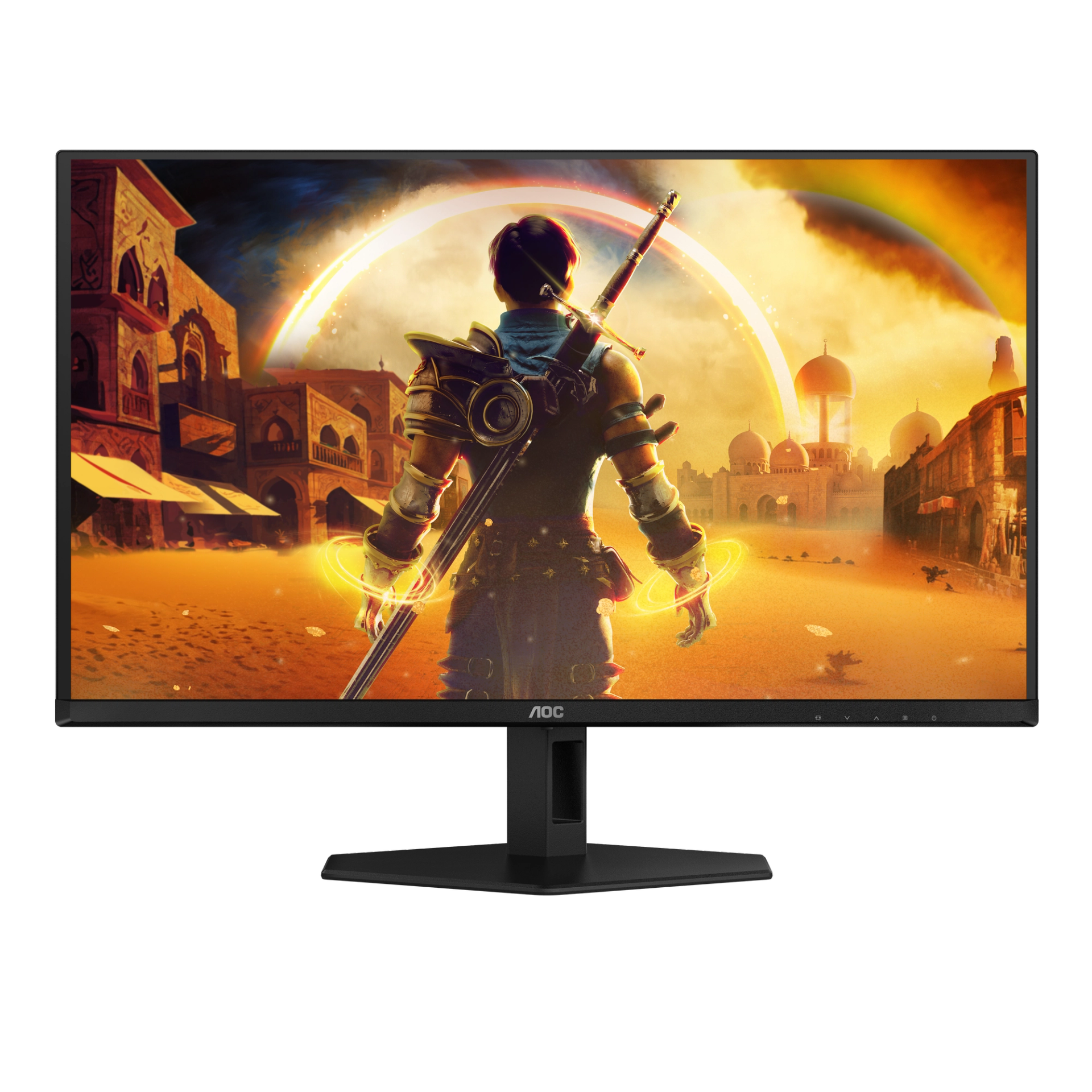
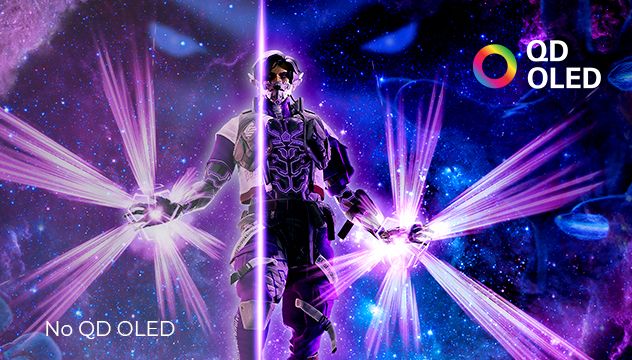
QD OLED panel

Imagine a screen so vivid and bright, that it feels like looking through a window rather than at a monitor. The brilliant blend of two advanced screen types: OLED, known for stunning contrast with true blacks and rich colors, and Quantum Dots, which are tiny particles that emit incredibly pure light.Plus, the screen can get really bright without losing any color quality, so everything pops even in well-lit rooms. In essence, QD-OLED takes the best parts of OLED and makes them even better with Quantum Dots, giving you a picture so lifelike, that you'll forget you're watching a screen!

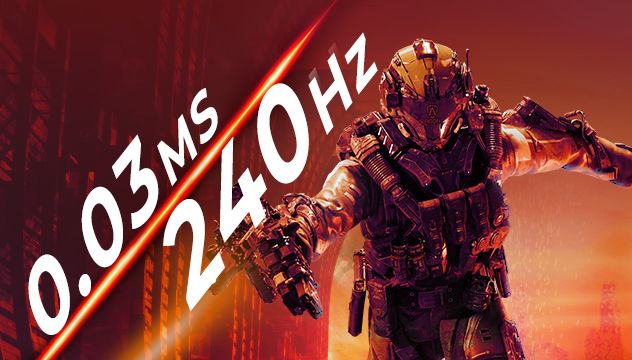
Become a Gaming-Optimized Weapon for your Team with 240Hz and 0.03ms
With 240Hz monitors being the standard in professional e-sport tournaments and competitions, embrace team solidarity and enjoy an ultra-smooth experience with the incredible responsive of 240Hz and 0.03ms, honing your sharpness and gaming abilities to the next level, especially where optimal team collaboration is required.

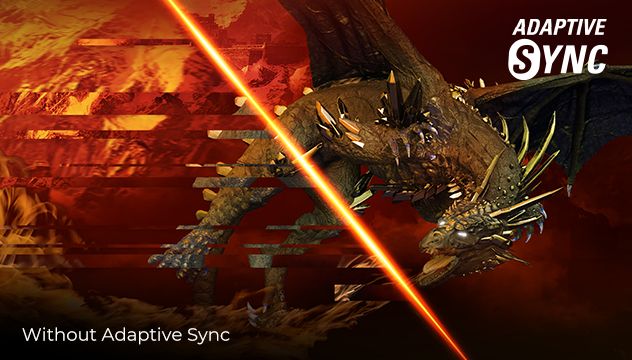
Adaptive sync

Adaptive Sync aligns your monitor’s vertical refresh rate with the frame rate delivered by your GPU, making your gameplay and casual gaming experience even more fluid by eliminating stuttering, tearing and judder. This feature is also useful when enjoying videos and other visual media, for a smoother entertainment.

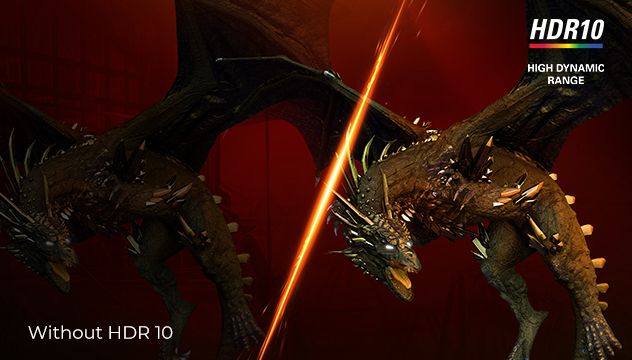
Live the game at its best with HDR10

HDR10 is here to enhance picture quality even further, improving the synchronization of your GPU or your console with the monitor. This creates a more realistic, immersive, and smooth gaming experience: You’ll feel like stepping in the game, frame by frame.

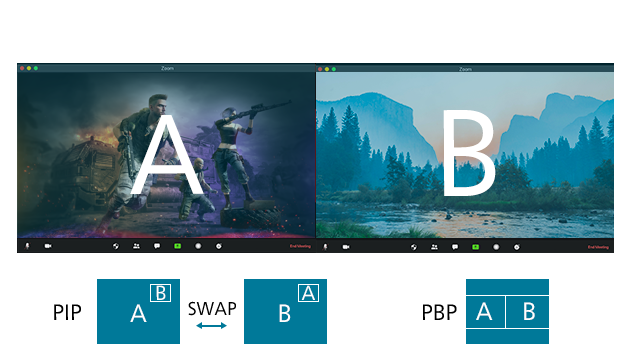
Picture by Picture (PbP)

Picture by Picture is a feature that allows you to make use of multiple sources (e.g. from your laptop and desktop PC) simultaneously and display them on the same screen. Its commanding overview gives you more control and boosts your efficiency both while streaming, working and playing considerably.

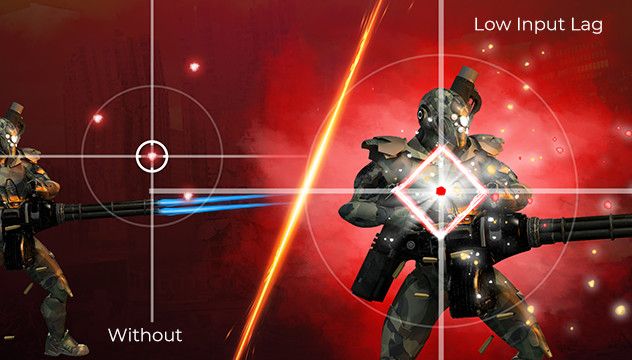
Low Input Lag

Unleash your reflexes by switching to the AOC Low Input Lag mode. Forget graphical frills: this mode rewires the monitor in favour of raw response time, giving the ultimate edge in hair trigger stand offs.

6 Games Mode

Tailor your display to the game with a click of a button. Switch settings between in-built presets for FPS, racing, or RTS games, or customise your own ideal conditions and save them. The AOC Settings KeyPad makes switching profiles or adjusting features quick and easy.

Dial point for more accurate and precise aiming

The Dial Point function places an aiming indicator in the center of screen for helping gamers to play First Person Shooter (FPS) games with an accurate and precise focus.

QHD Resolution

With 2560 x 1440 resolution, Quad HD (QHD) offers superior picture quality and sharp imagery that reveals the finest details. The widescreen 16:9 aspect ratio provides plenty of space to spread out and work, plus allows you to enjoy games or movies in their original size.

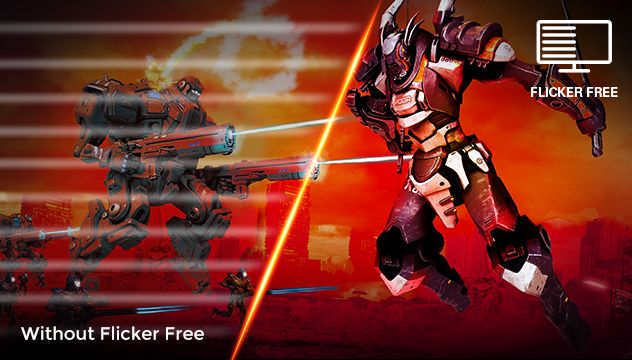
Flicker Free

AOC Flicker-Free Technology utilises a DC (Direct Current) backlight panel, reducing flickering light levels. With eye strain and fatigue absolutely minimized, feel free to enjoy those long, intense gaming sessions in comfort!

Connectable with other devices

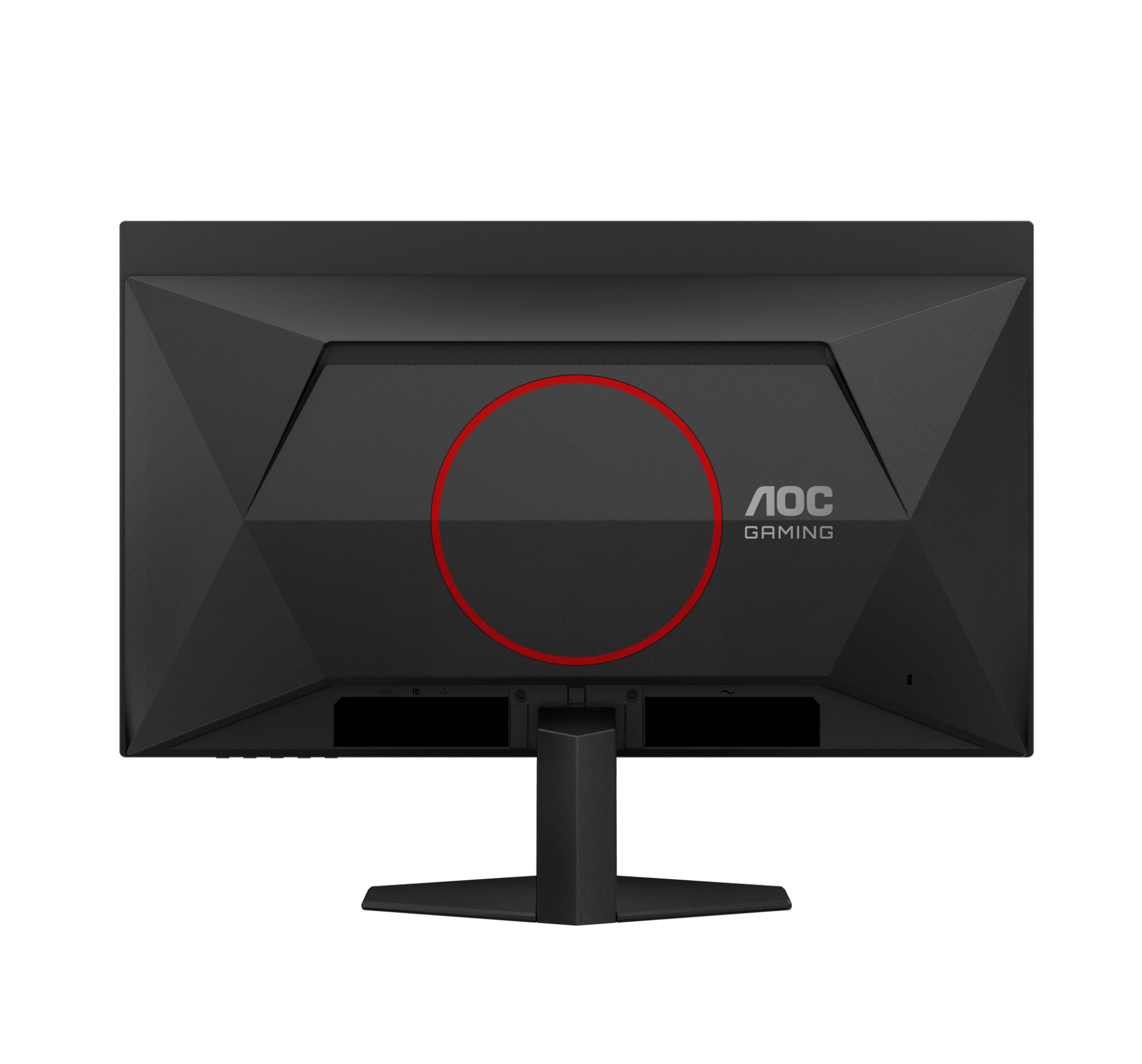
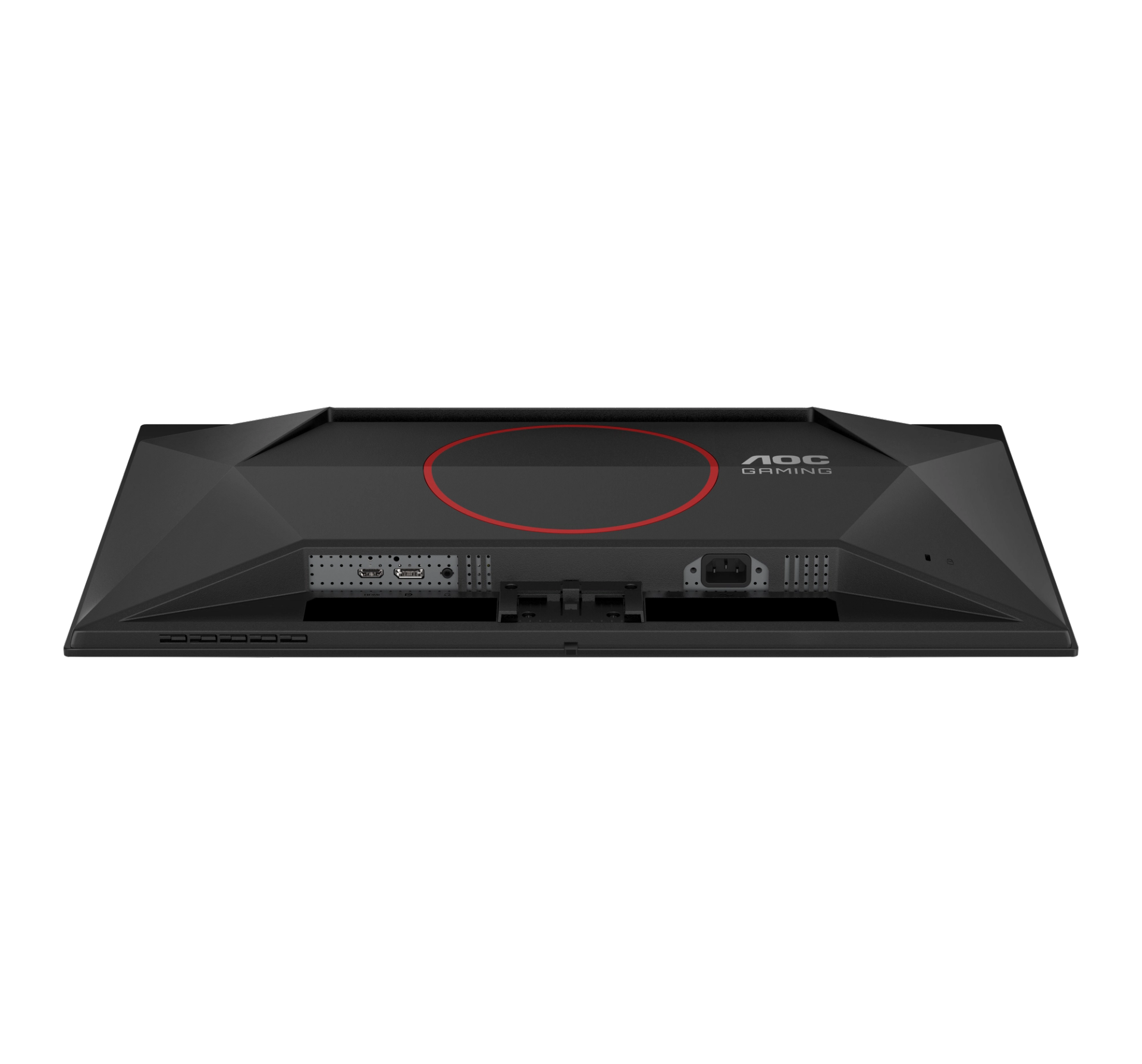
This AOC monitor provides convenient connectivity options, with both HDMI and DisplayPort support to suit both professionals and home users. HDMI represents the leading digital video, audio, and data interface for high speed connections between ultra high-definition displays and a wide range of consumer electronics, including providing support for modern gaming consoles and PCs. DisplayPort allows for a range of devices to quickly and easily connect to your screen, delivering higher resolution, faster refresh rate and video transmissions free from input lag.

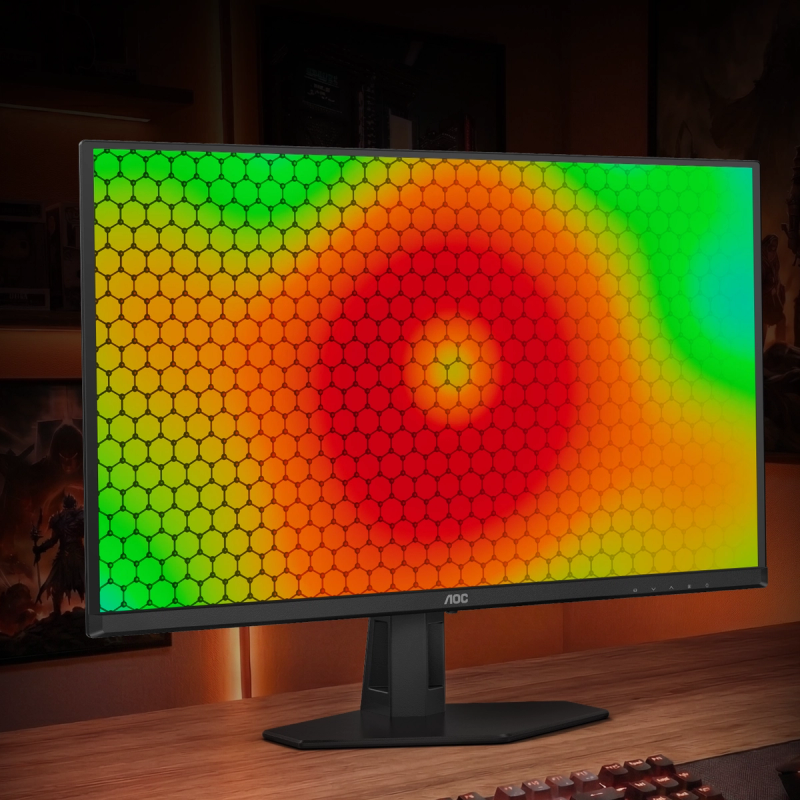
Cool Performance, Built to Last

Advanced graphene cooling keeps the panel running cooler and more stable during long sessions, protecting against burn-in while preserving peak brightness, color accuracy, and performance—so visuals stay sharp, reliable, and immersive over time.
  • Cabinet colour (backside)
    Black, Red
  • Vesa wallmount
    100x100

Drivers & manuals

ManualsPublish dateSizeLanguageDownload
User manual4 March 2026Download pdf